Overview
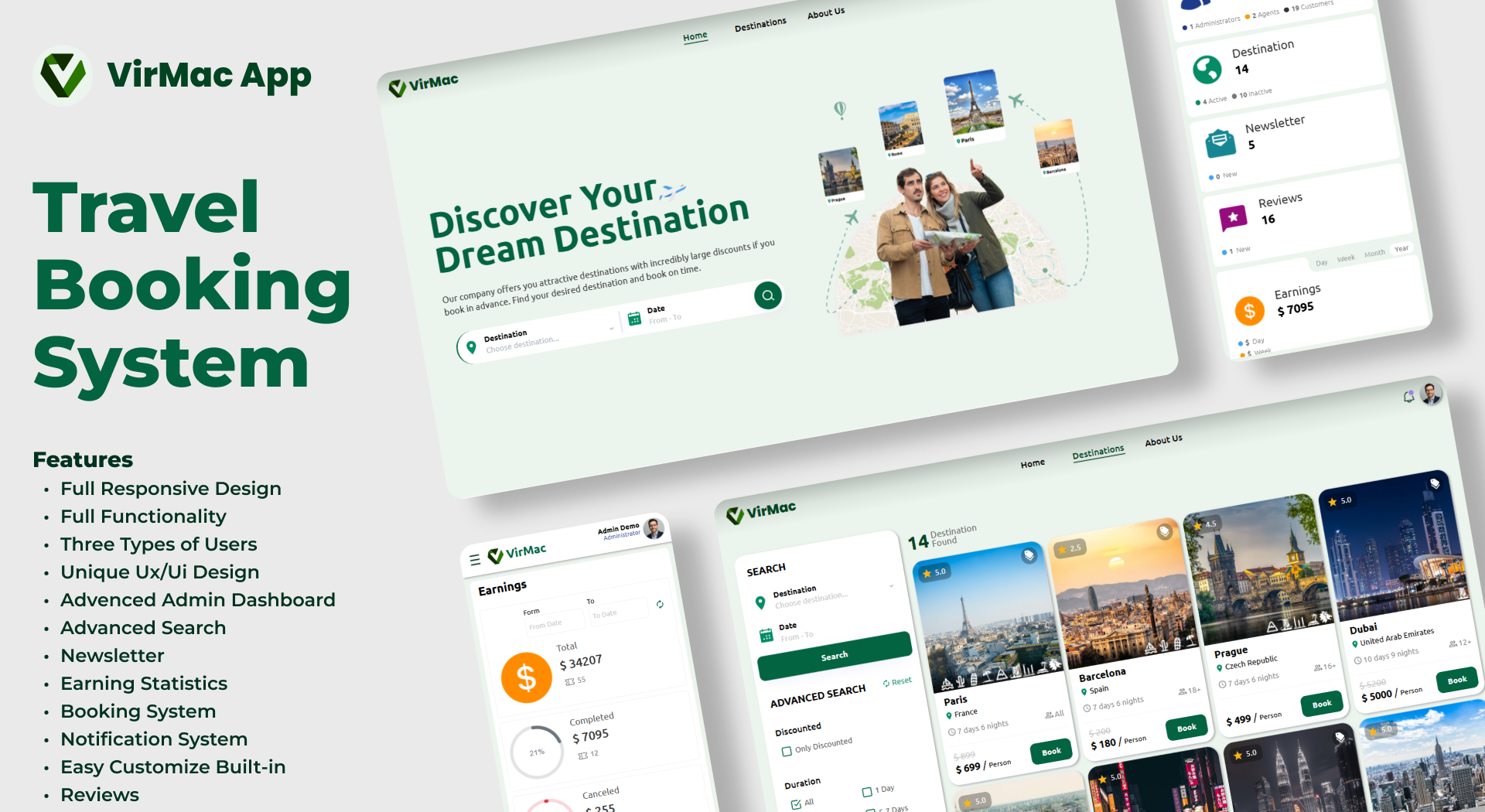
Our Travel Booking System is fully ready for use and allows easy integration for any travel business. It is easy to use and ready for quick deployment, making it ideal for anyone looking to start a successful business in the travel industry.
Highlights
Fully responsive design
Optimized for desktops, tablets and mobile phones, so every customer gets a seamless booking experience.
Complete functionality
From searching tours to completing a booking, the system has every feature needed to manage travels and tours.
Three types of users
Administrator with full control, Agent who manages their own tours and packages, and Customer who browses, books and manages reservations.
Advanced admin dashboard
Full control over tours, users and statistics, with reservations tracked in real time.
Advanced search
Customers find tours by location, tour type, price, duration, allowed age and category.
Booking system
A fast, intuitive and secure booking flow that is simple to manage.
Earnings statistics
Revenue from bookings shown with detailed statistics and charts.
Newsletter
Send news, offers and promotions to every subscriber, individually or in bulk.
Notification system
Automatic notifications about new bookings, booking statuses and other important updates.
Reviews
Customers rate and review tours, helping you build your reputation.
Unique UX/UI design
An intuitive interface designed with a special focus on user experience.
Easy customization
Change the look and content to match your brand, with no coding required.
Pages documentation
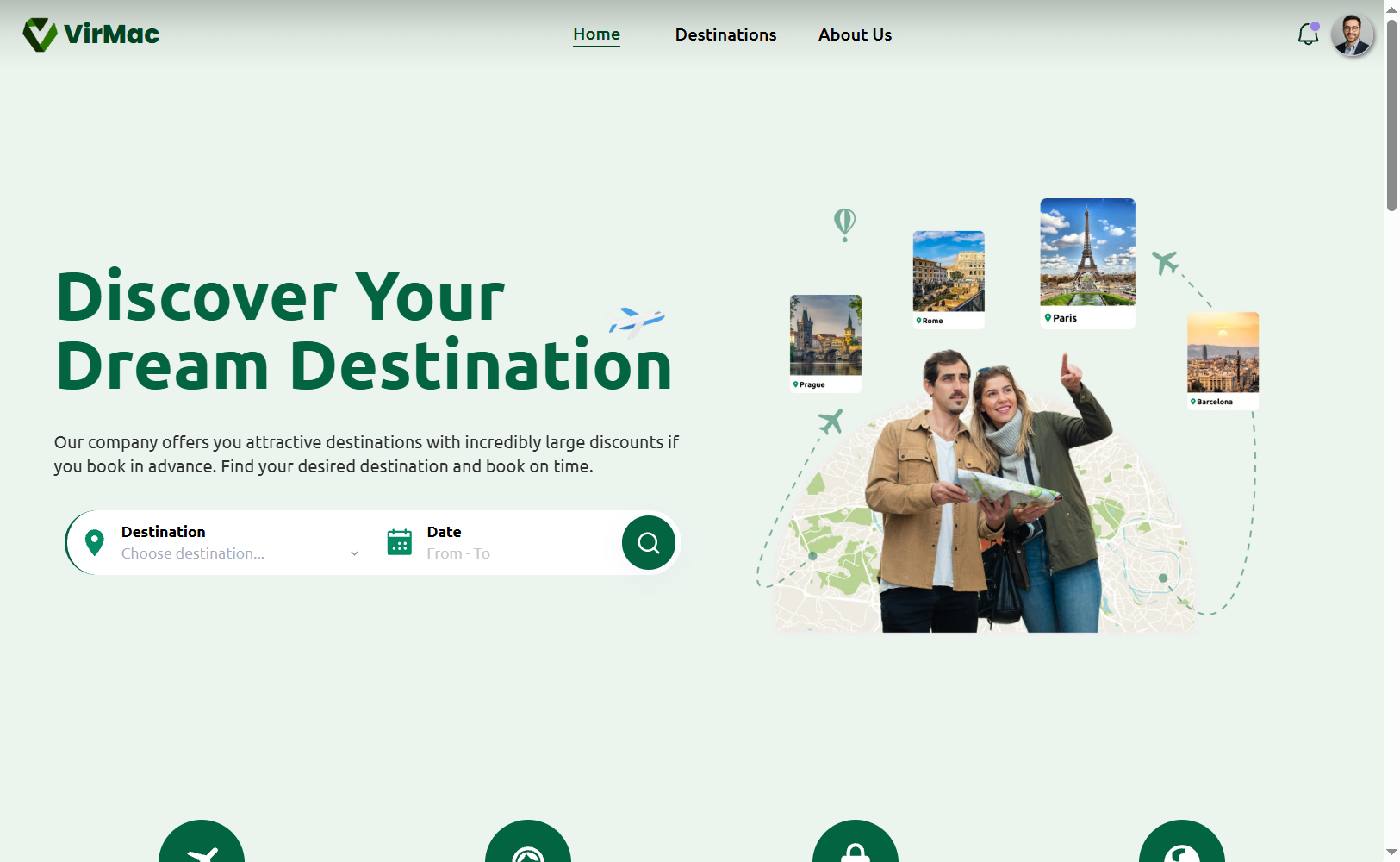
01 Index
This is the index page of the application where you can quickly find a destination and select a date. Here, you can see the Hero section, Benefits section, Top Destinations, Last Reviews section, Reasons section, FAQ section, and you can also subscribe to the newsletter.
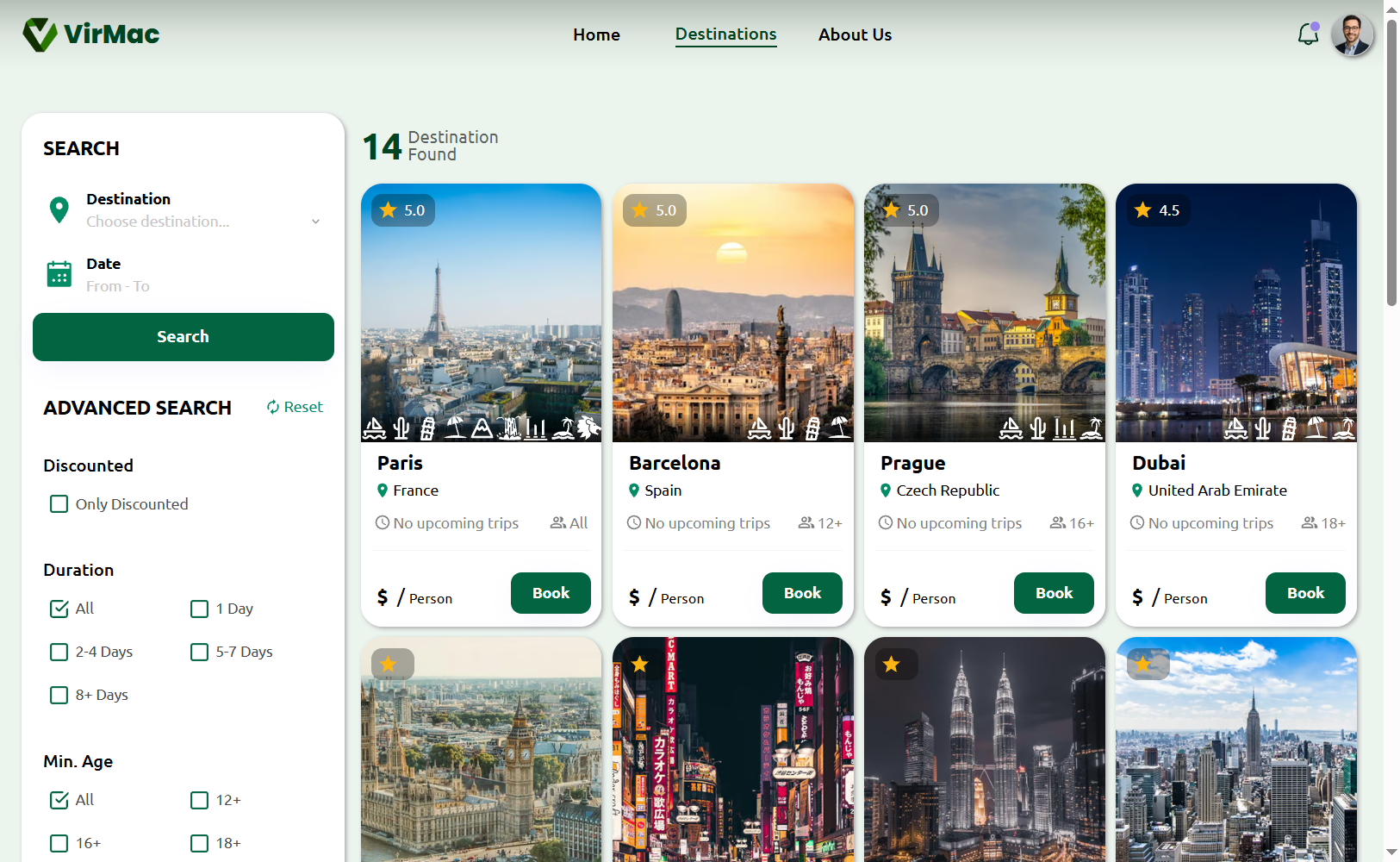
02 Destinations
This is the Destinations page where you can view all available destinations. Here, you can search for destinations using the advanced search feature based on discounts, price, duration, allowed age, and categories.
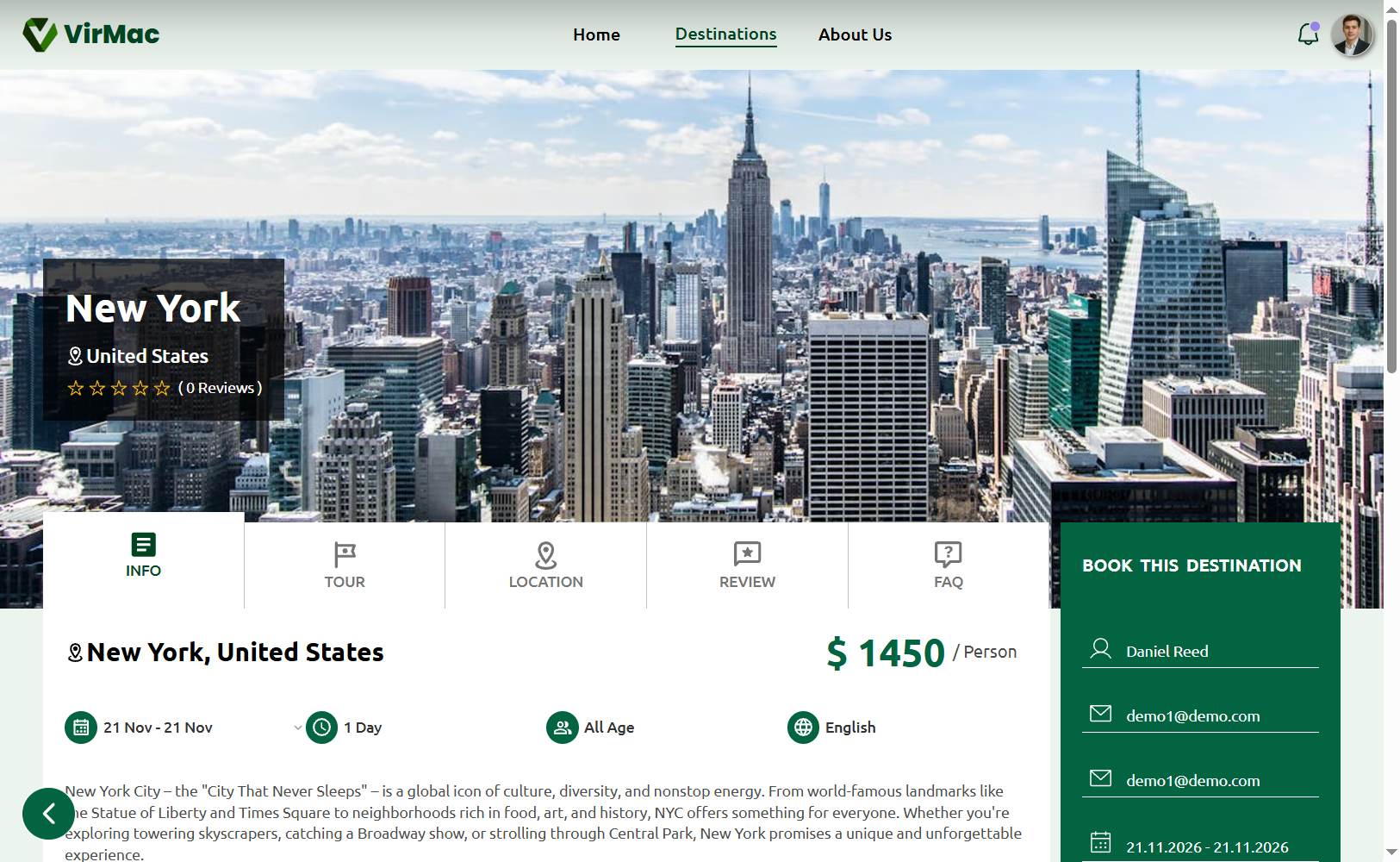
03 Destination View
Here you can see all the details about the destination (info, tour, map, reviews, FAQ). Here you can view the images and videos of the destination. You can choose from the available dates to book this destination and reserve multiple tickets for it.
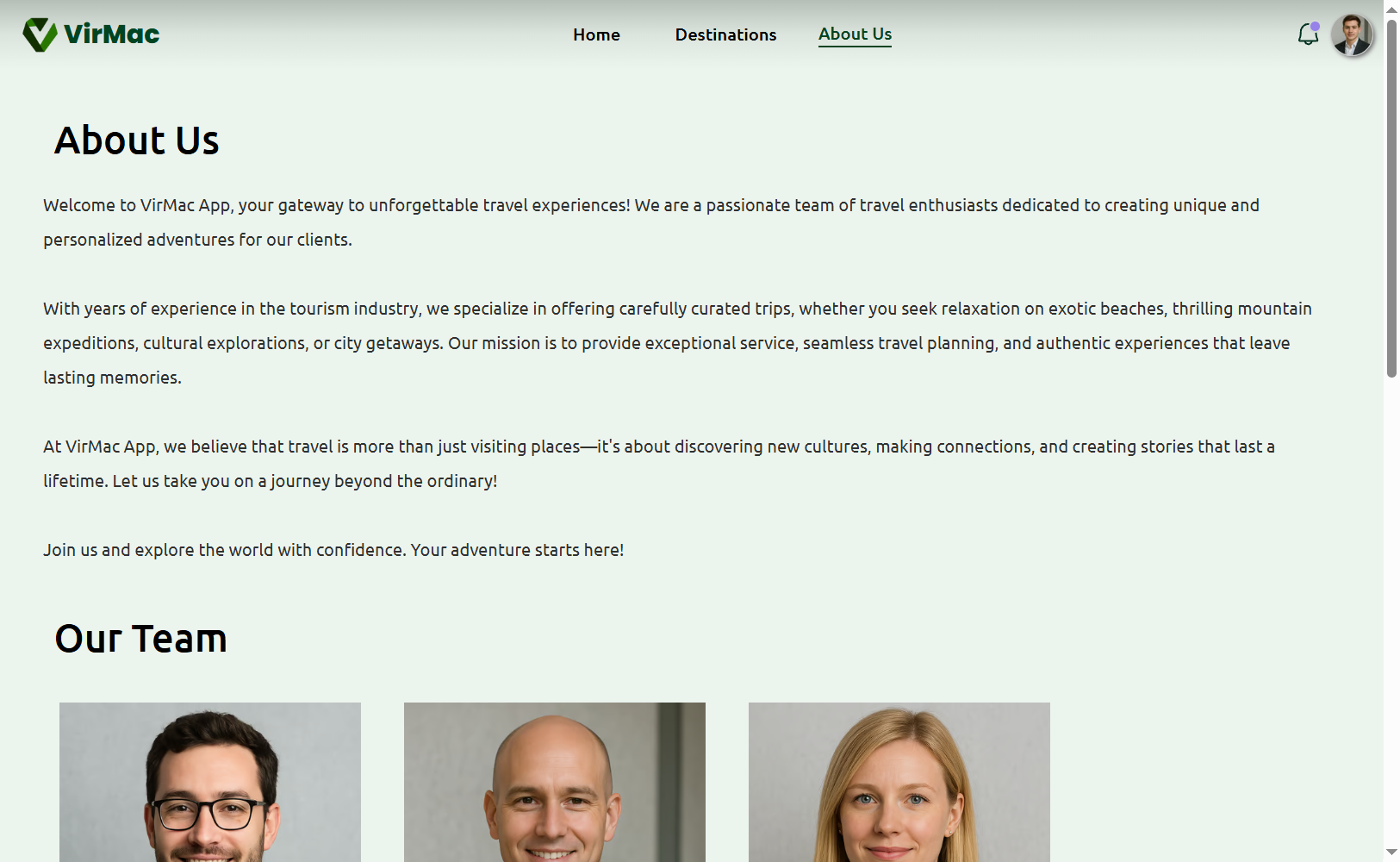
04 About Us
On the About Us page, you can see the details about your travel agency and the team members along with their job positions.
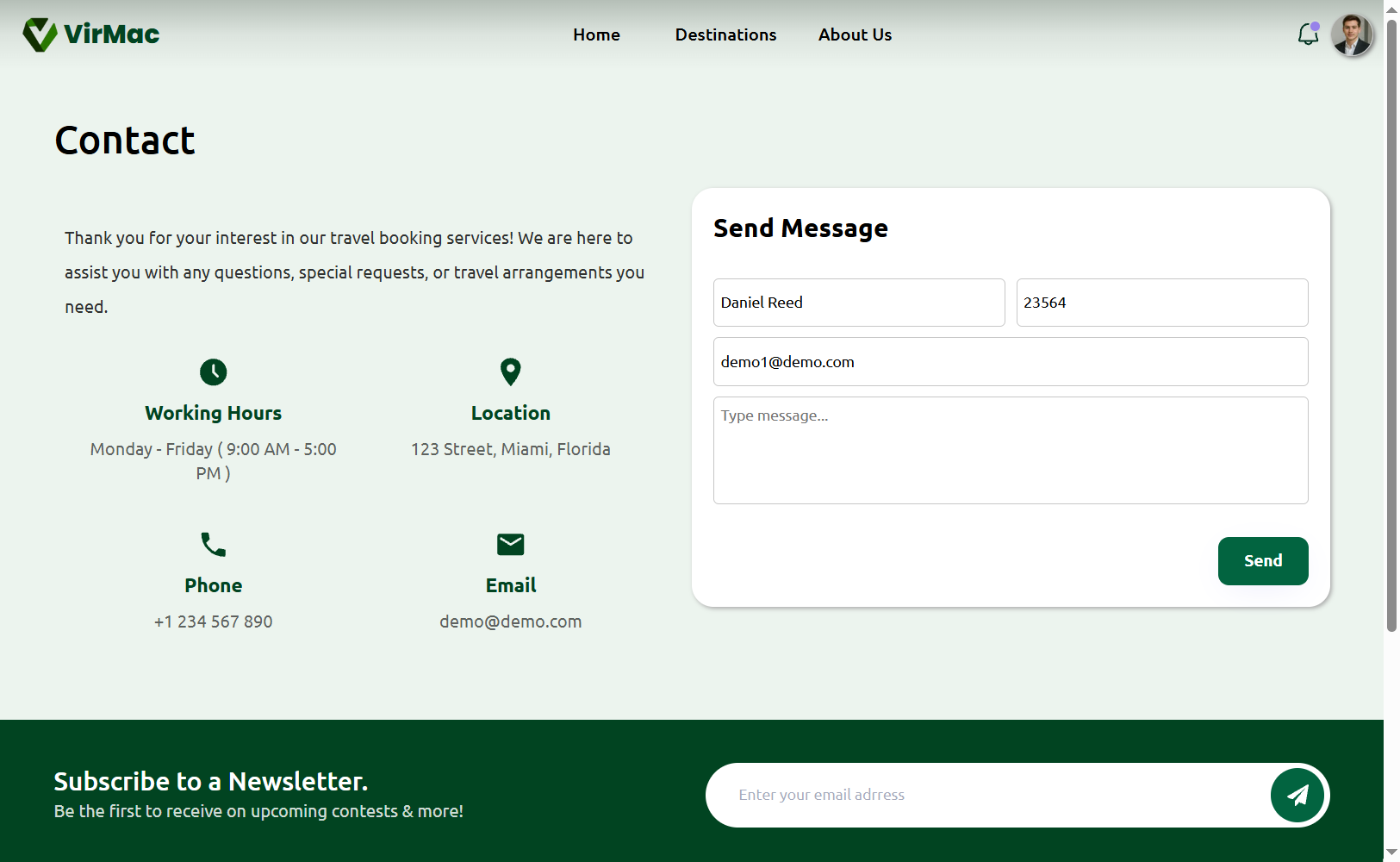
05 Contact & Support
On the Contact – Support page, you can find information about your company (working hours, location, email, phone), and here you can send a message to the travel agency.
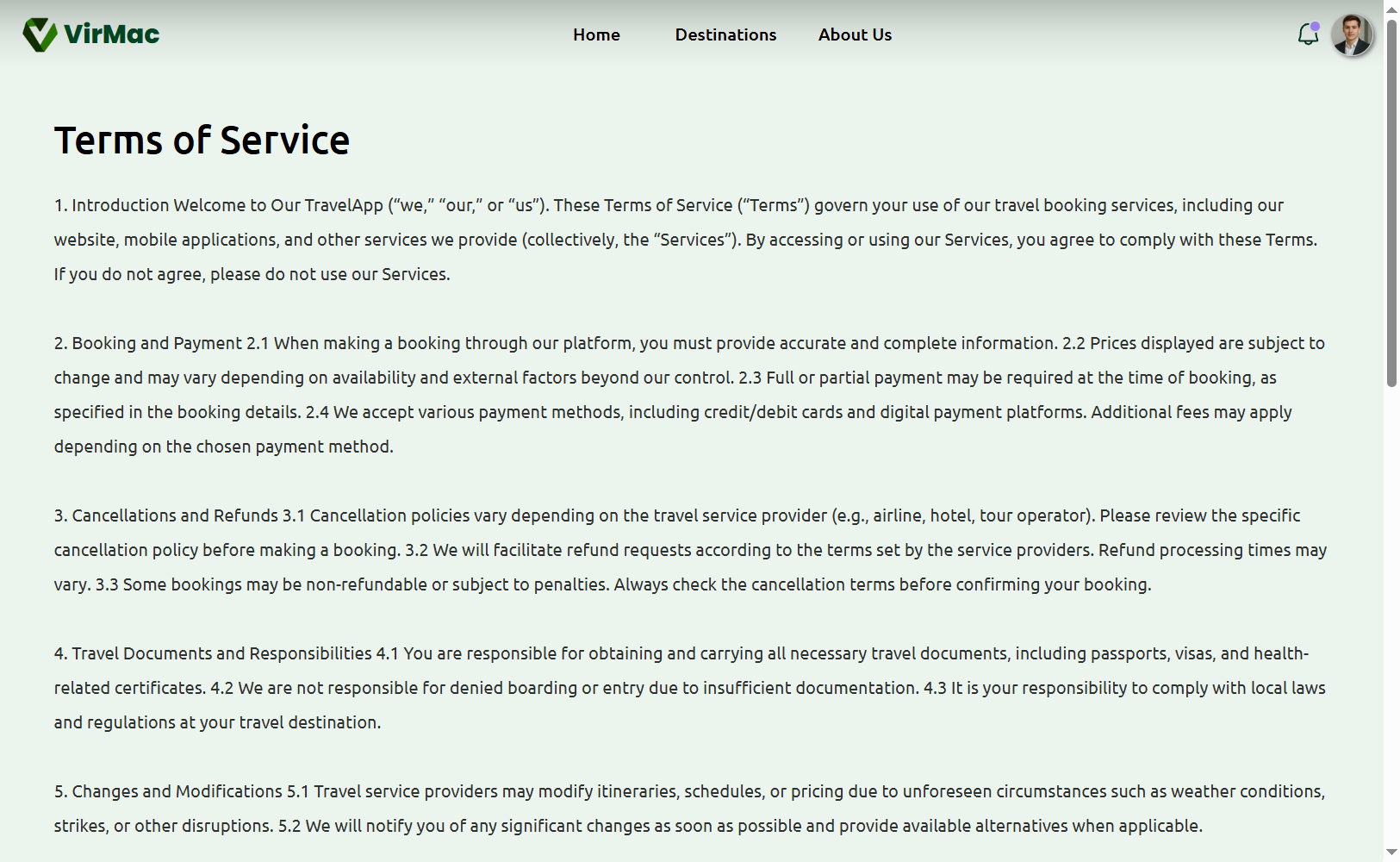
06 Terms of Service
On the Terms of Services page, you can find the rules and conditions for using this platform, which you can define through the admin panel.
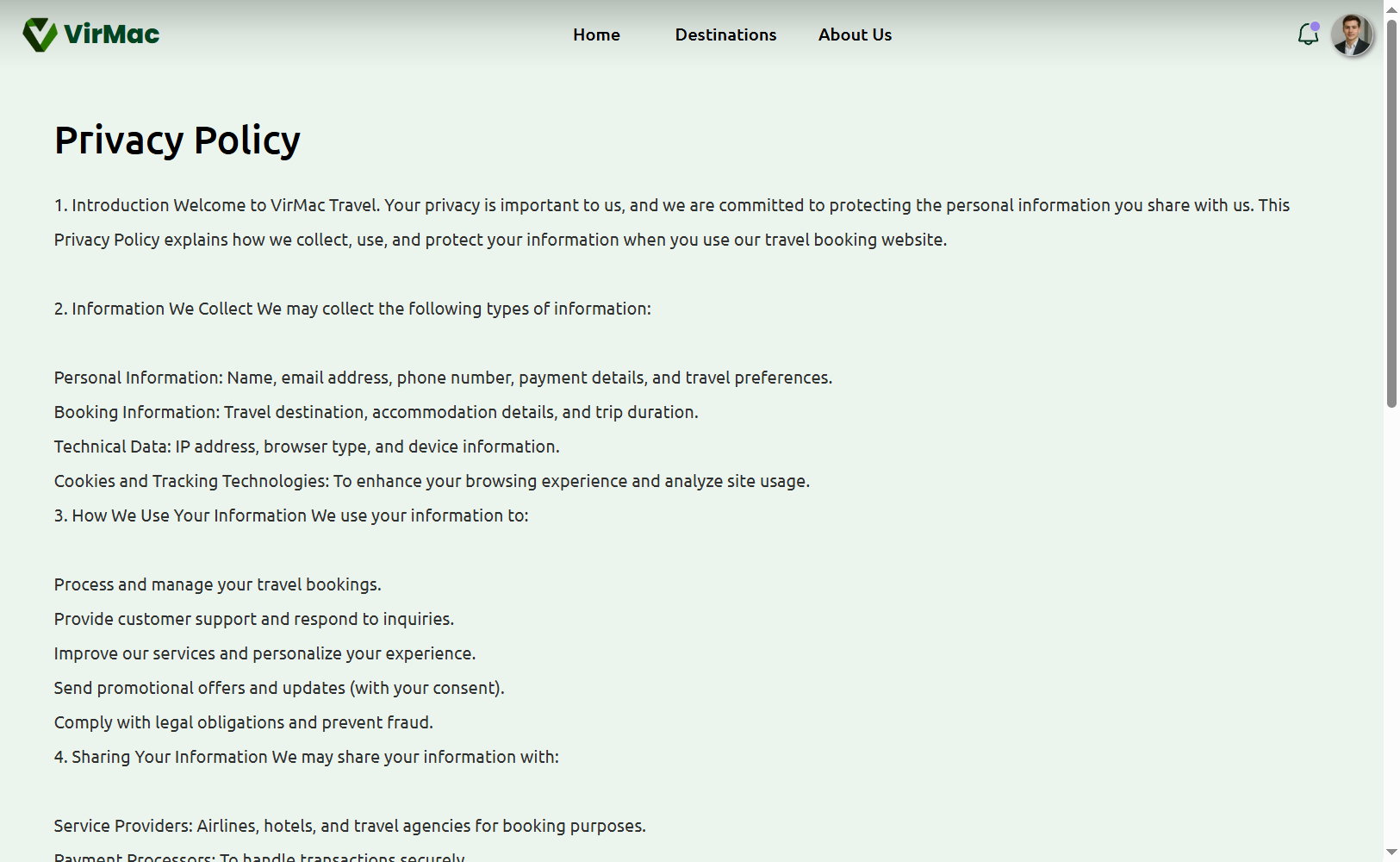
07 Privacy Policy
On the Privacy Policy page, you can find information about how your personal data is collected, used, and protected on this platform. These policies can be managed and updated through the admin panel.
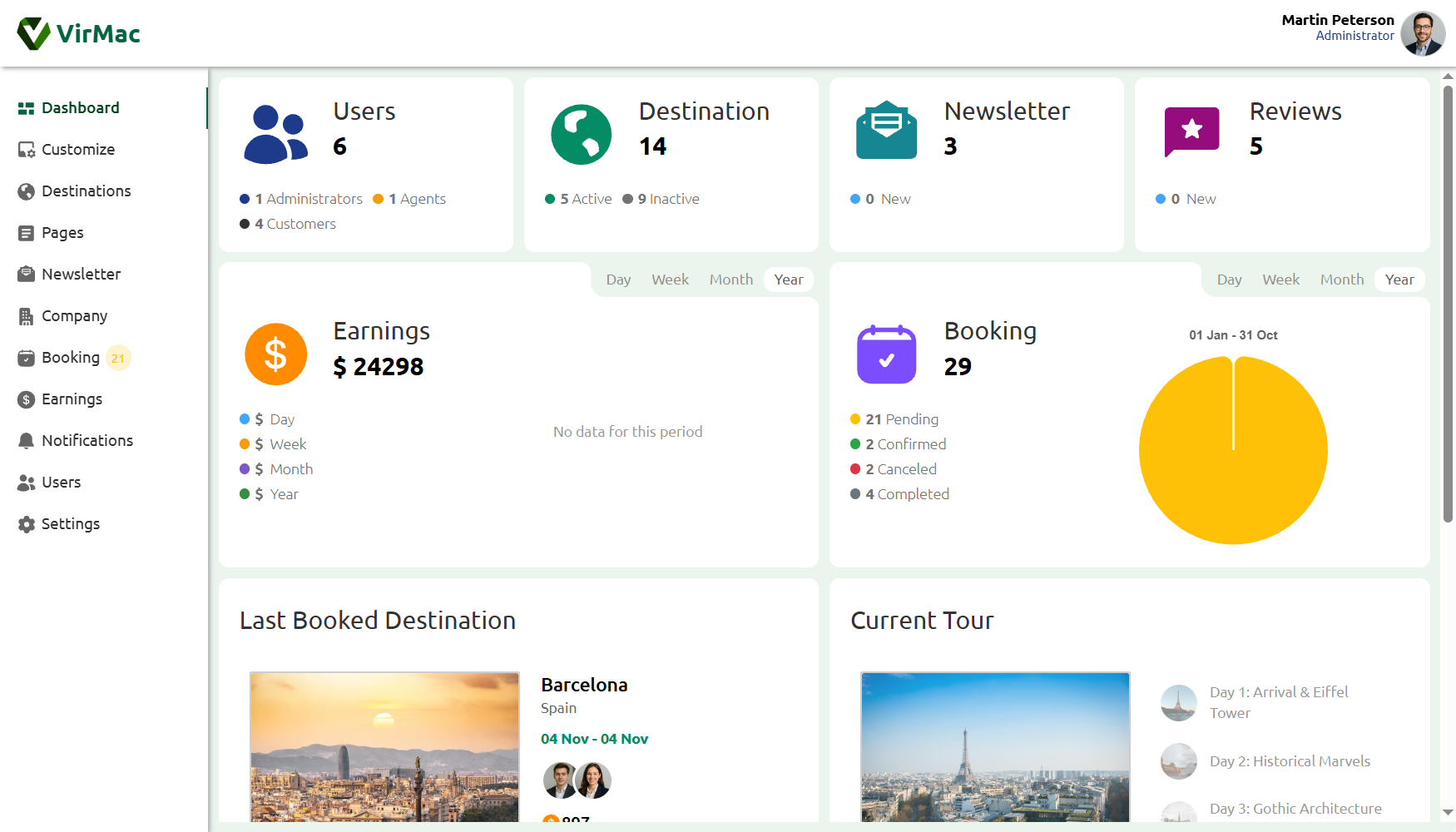
08 Admin · Dashboard
In the admin panel dashboard, you can find statistics for users (administrators, agents, customers), destinations (active and inactive), newsletters, reviews, earnings (daily, weekly, monthly, yearly), bookings (pending, confirmed, canceled, and completed), the last booked destination, and current tours.
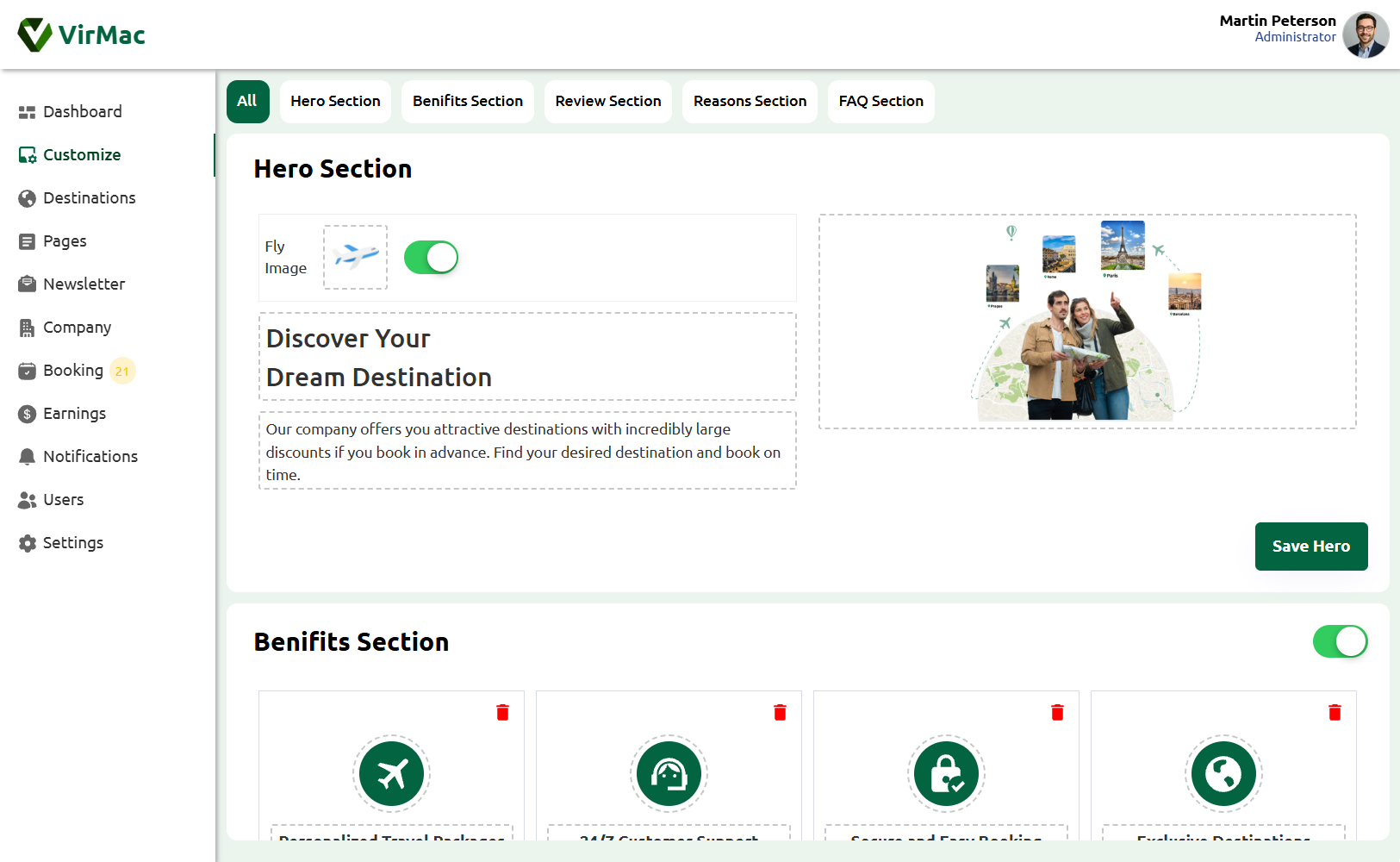
09 Admin · Customize
In the admin panel under the Customize section, you can edit the main sections of the homepage (Index), including the Hero Section, Benefits Section, Review Section, Reasons Section, and FAQ Section.
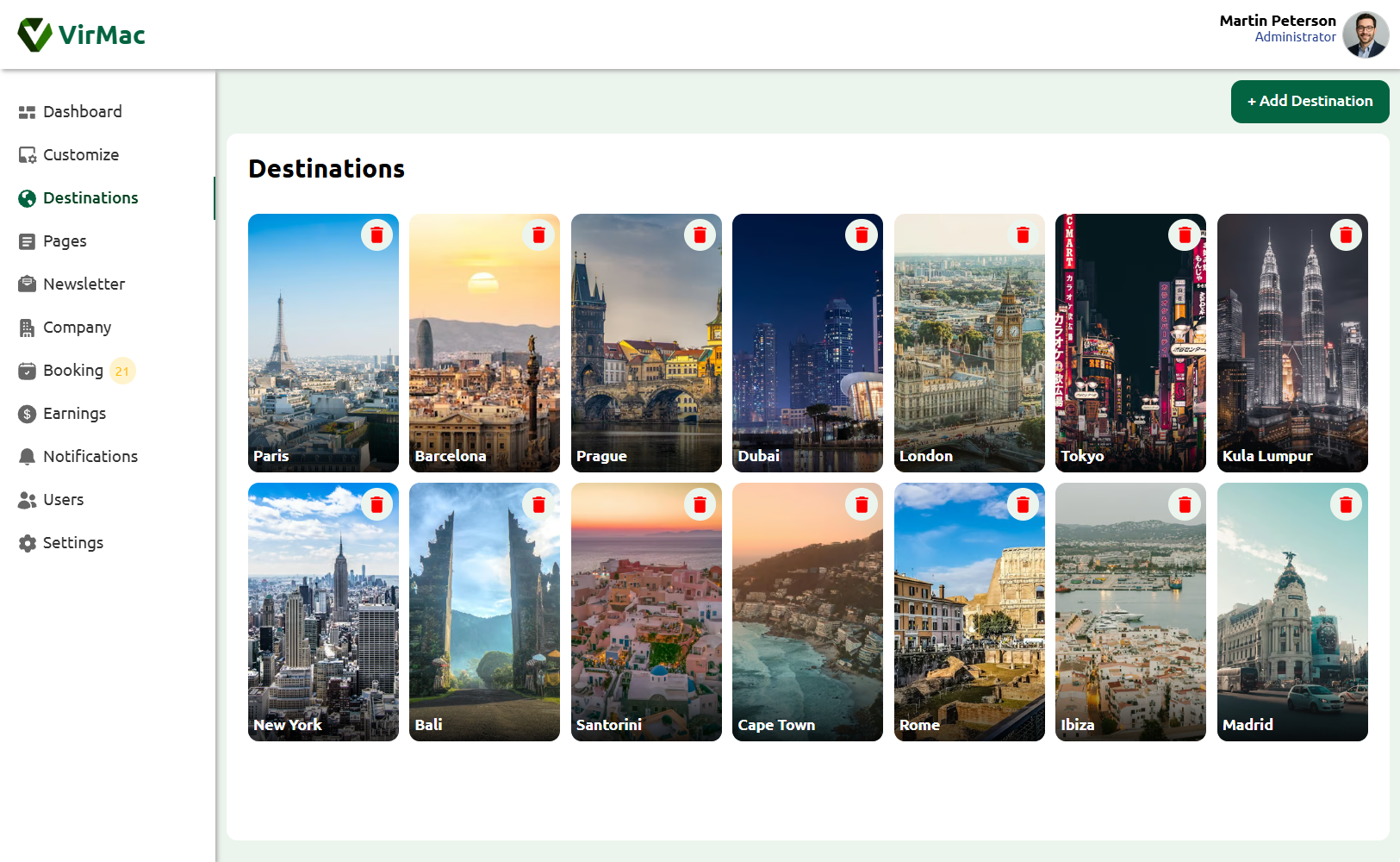
10 Admin · Destinations
In the admin panel under Destinations, you can view all your destinations. Here, you can add new destinations and edit existing ones, including destination details, tour dates & prices, destination media, destination information, and the destination tour guide.
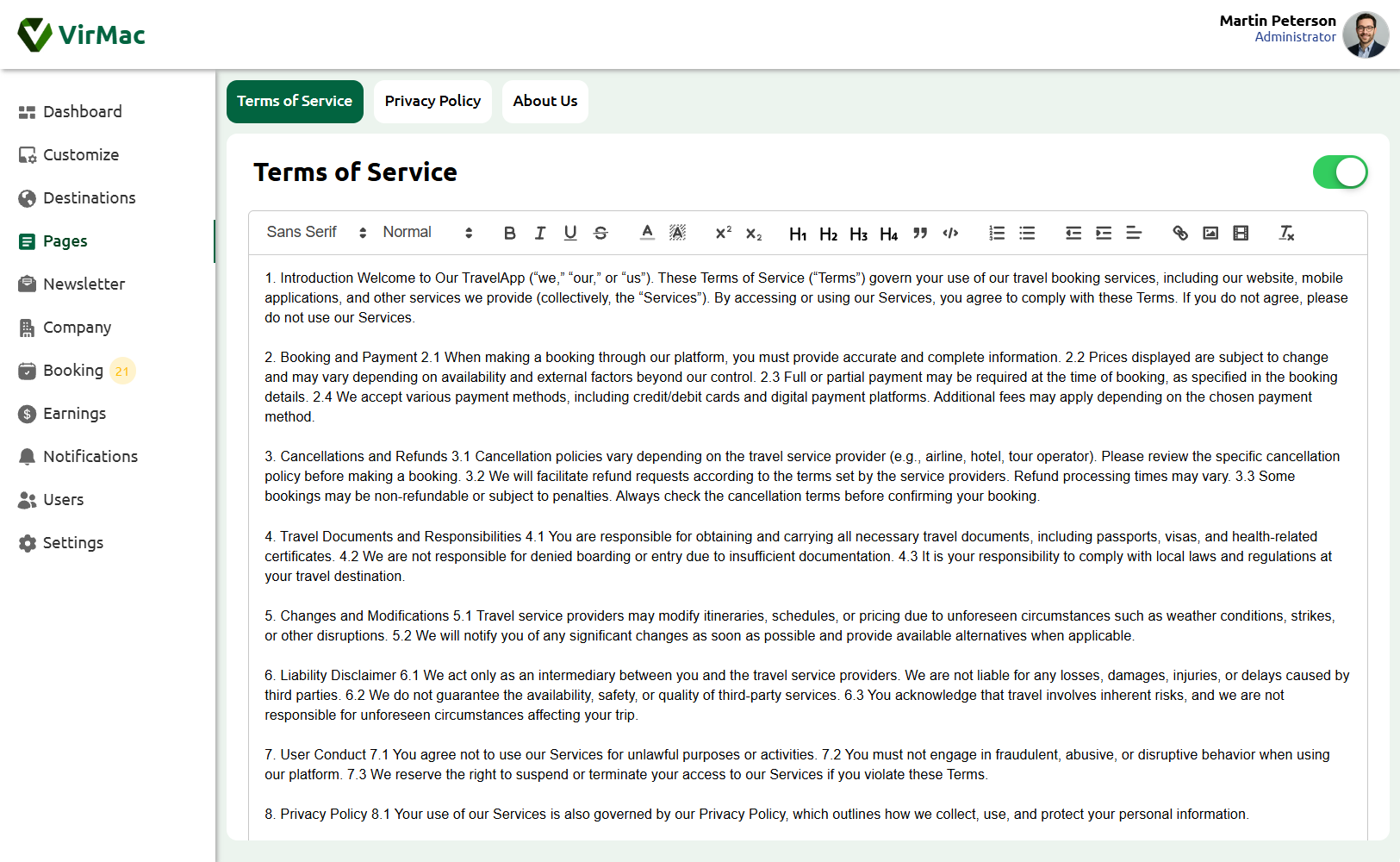
11 Admin · Pages
In the admin panel under Pages, you can add and edit the text for the Terms of Service, Privacy Policy, and About Us pages.
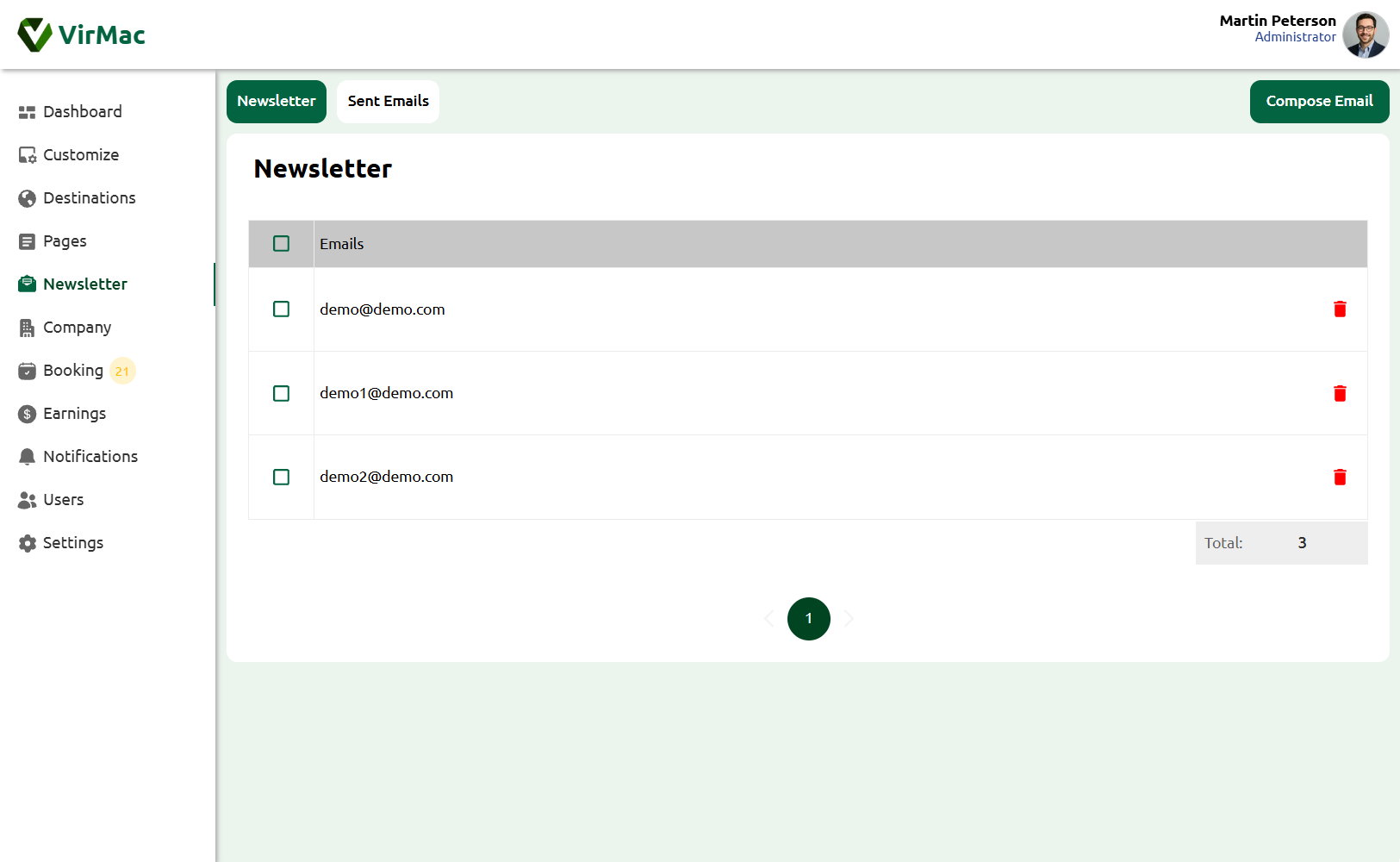
12 Admin · Newsletter
In the admin panel under Newsletter, you can view all your email subscribers and send them messages (individually or in bulk). You can also see the messages that have been sent.
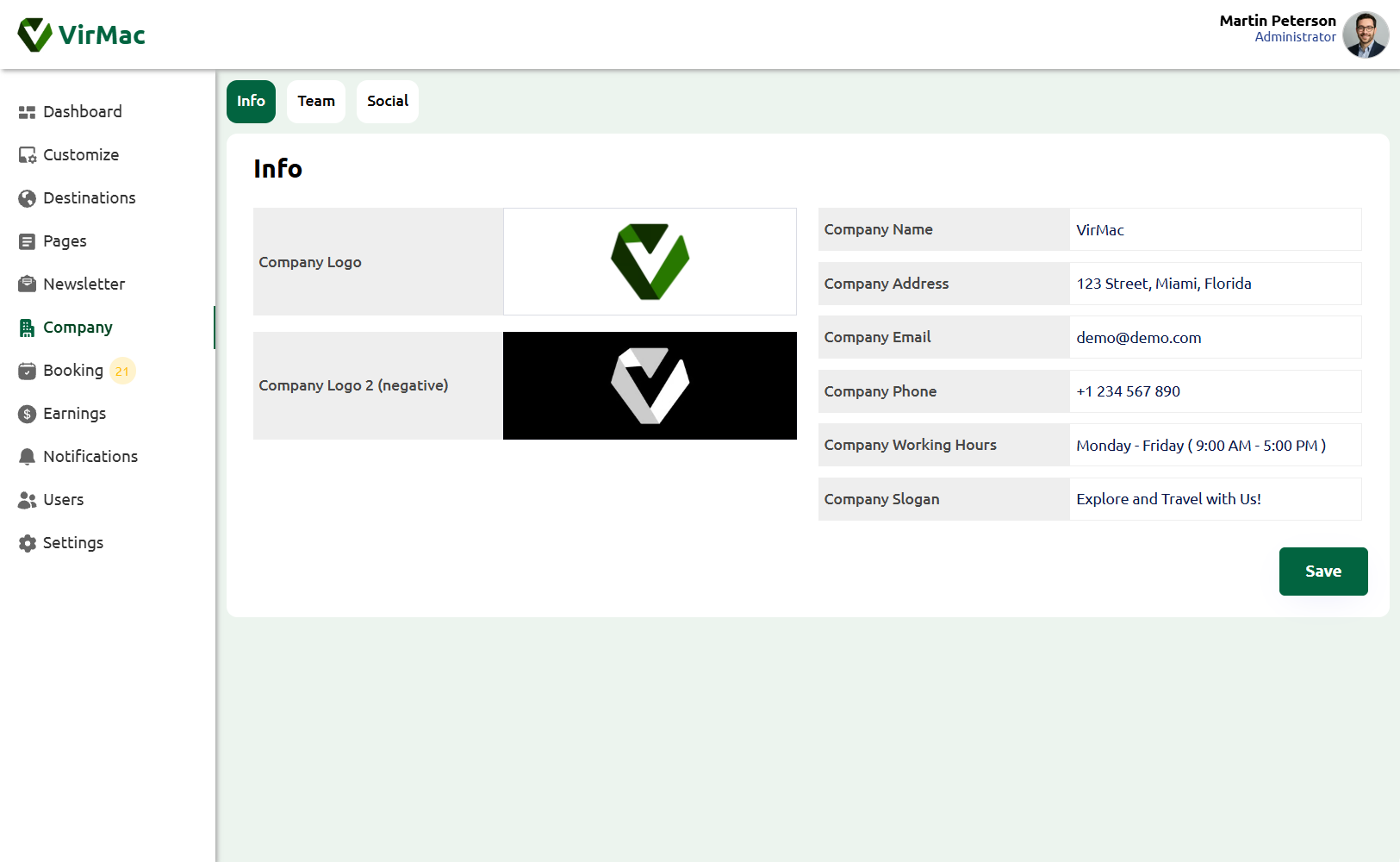
13 Admin · Company
In the admin panel under Company, you can update your company details, manage team members, and handle social media links.
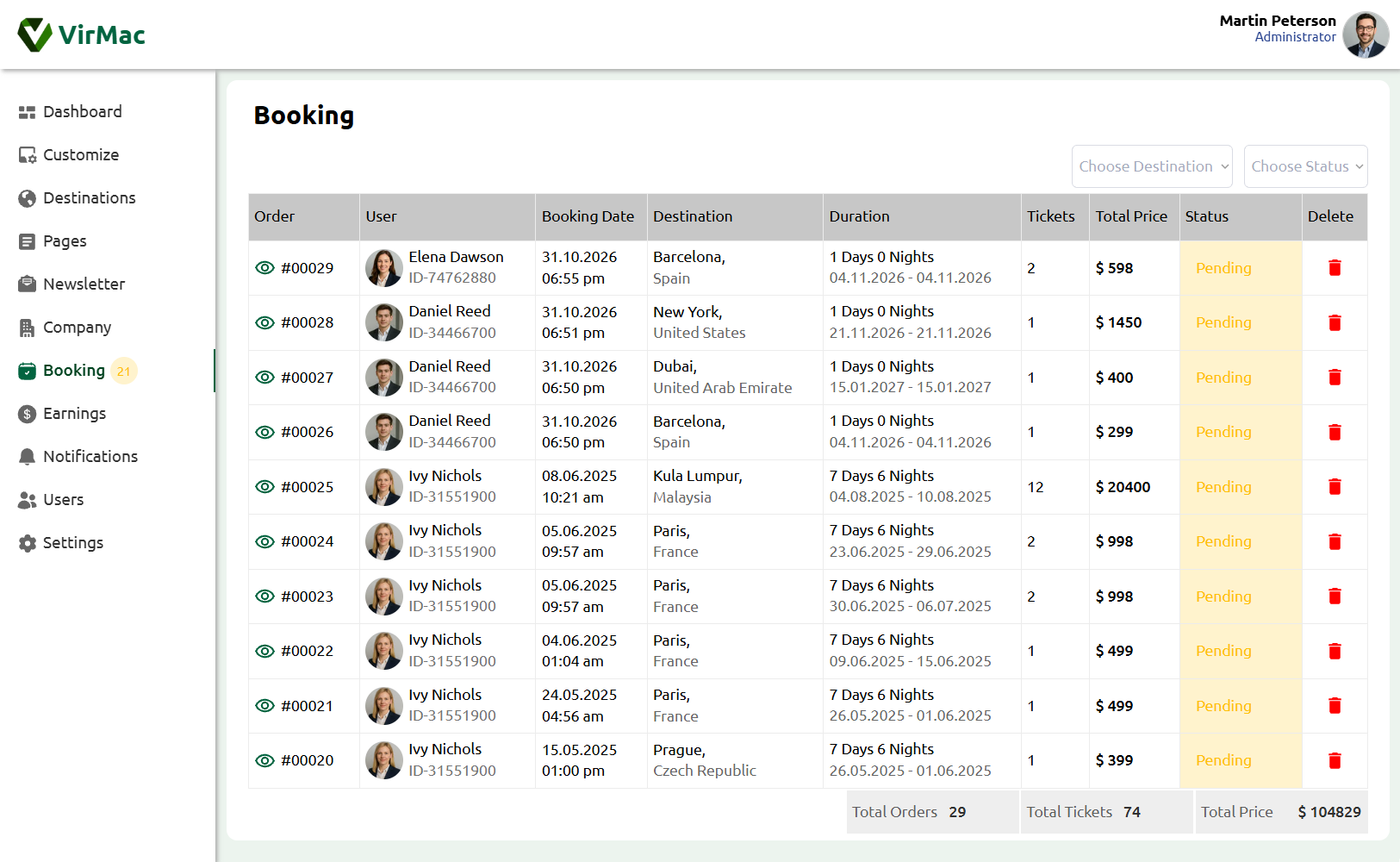
14 Admin · Bookings
In the admin panel under Bookings, you can view or delete all booked destinations. Here, you can also update their status (pending, confirmed, canceled, completed).
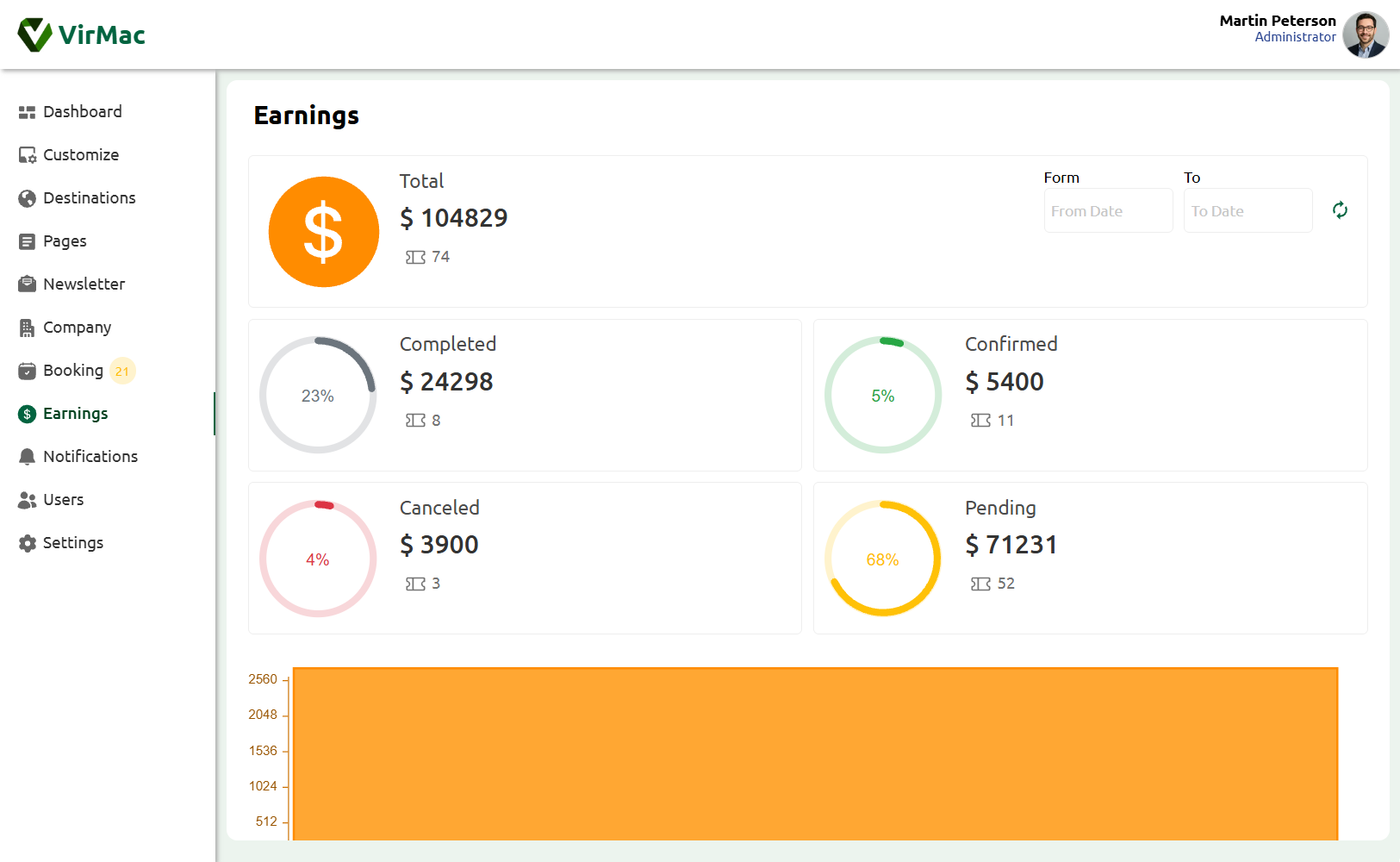
15 Admin · Earnings
In the admin panel under Earnings, you can view statistics for total, completed, canceled, confirmed, and pending bookings, including total earnings and the number of tickets sold. You can also filter the data by a selected date range.
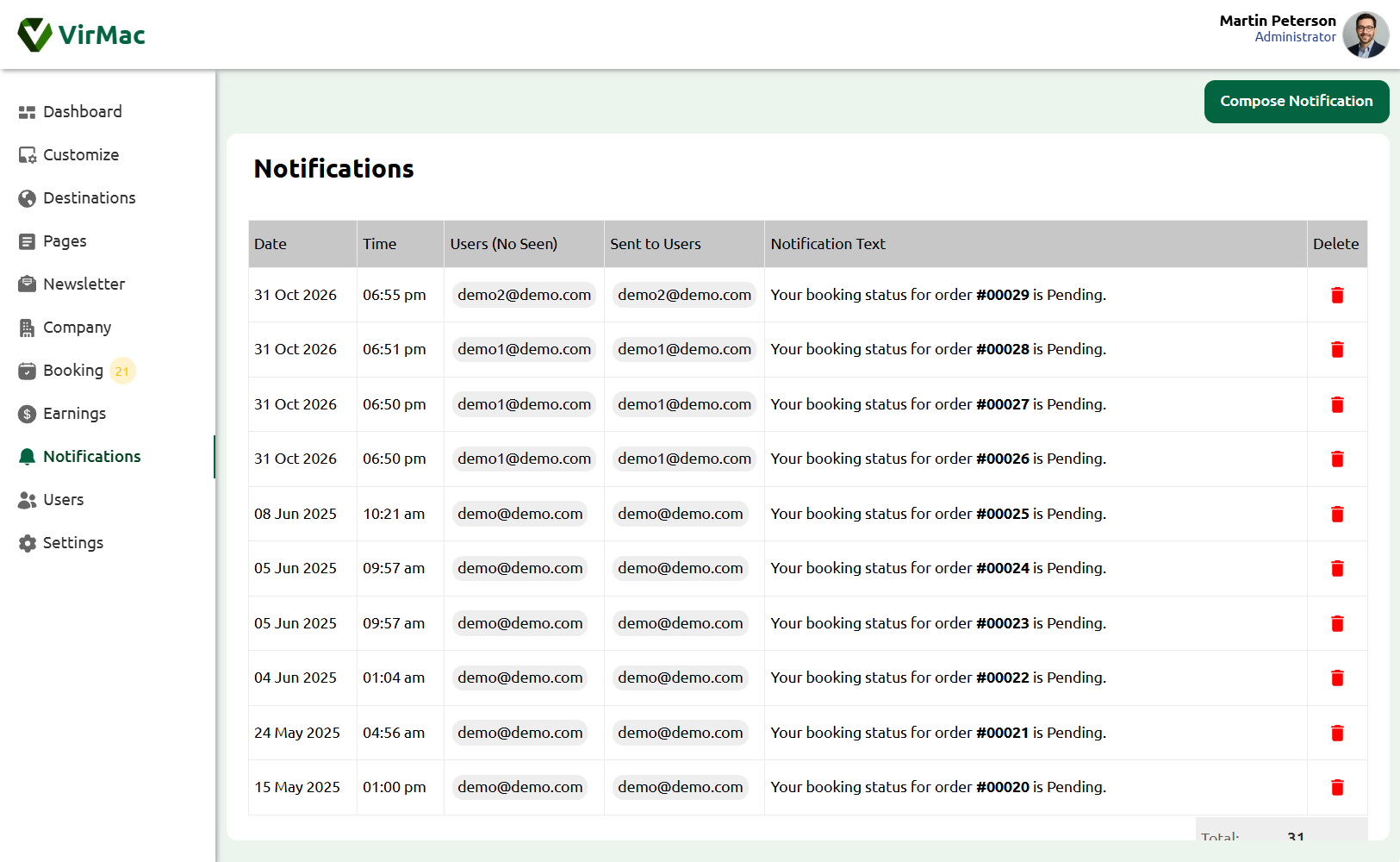
16 Admin · Notifications
In the admin panel under Notifications, you can view all active notifications. Here, you can send new notifications or delete existing ones.
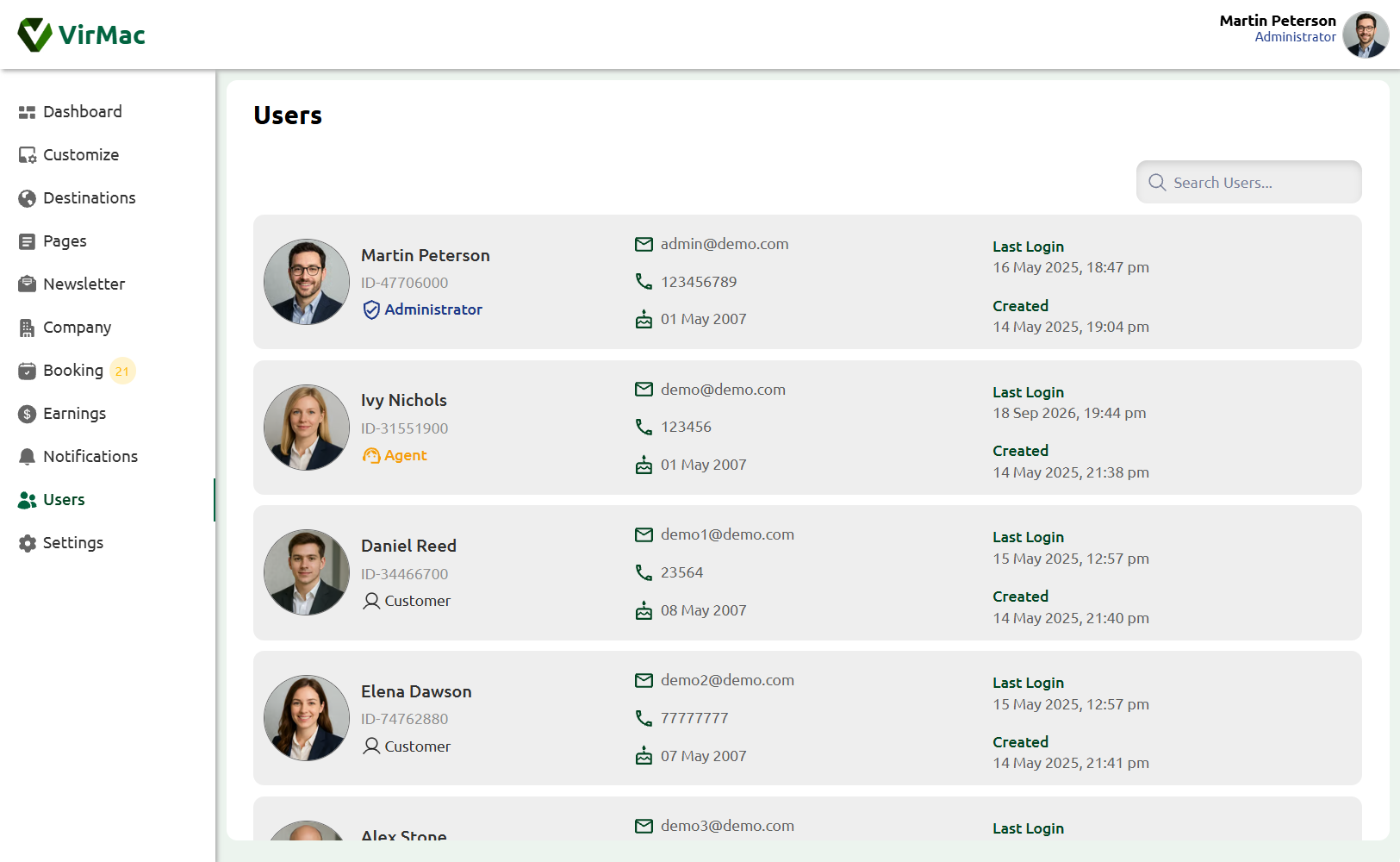
17 Admin · Users
In the admin panel under Users, you can view all users. For each user, you can see their booked destinations and their reviews. You can also assign a role to each user (Administrator, Agent, or Customer).
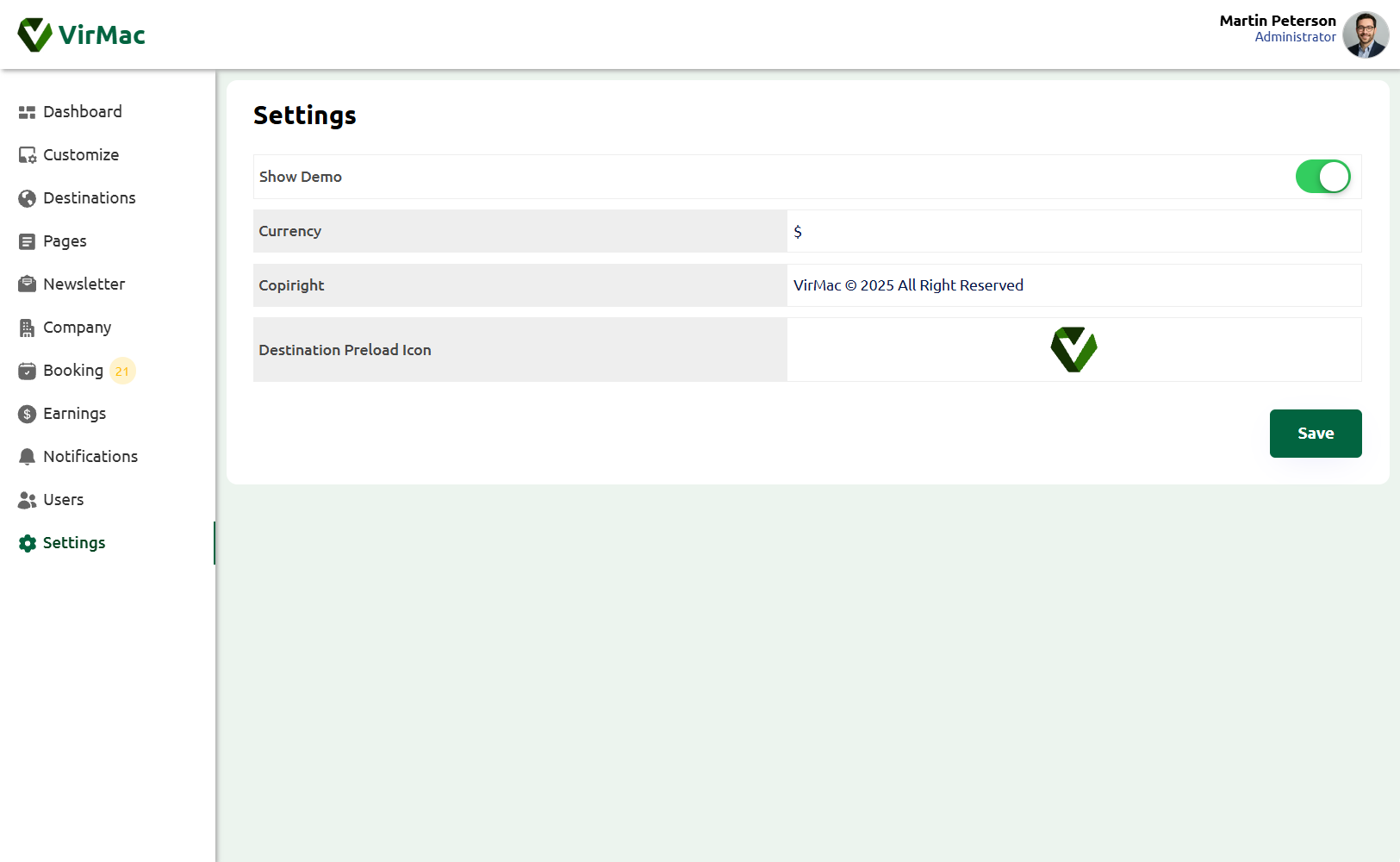
18 Admin · Settings
In the admin panel under Settings, you can modify the currency, copyright text, and the preload icon/image.