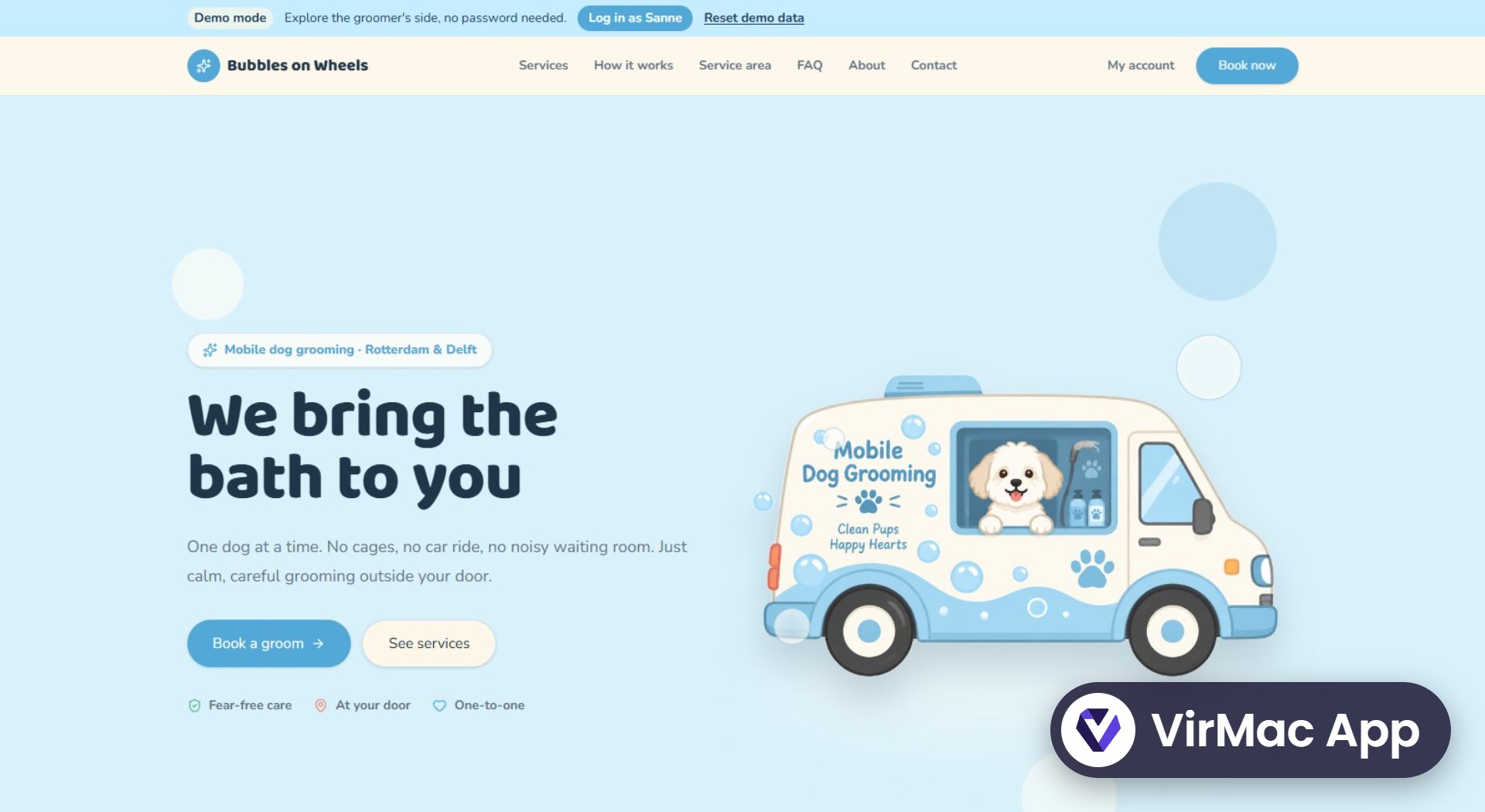
Overview
Bubbles on Wheels is a demo app for a one-person mobile dog grooming business in Rotterdam and Delft. Customers check their postcode and book online, and appointments are grouped by neighbourhood so the van drives less.
Built with Lovable on React, TanStack Start, Tailwind CSS and Supabase. The live demo includes a “Log in as Sanne” button, so anyone can explore the groomer’s side with sample data.
Pages documentation
01 Home
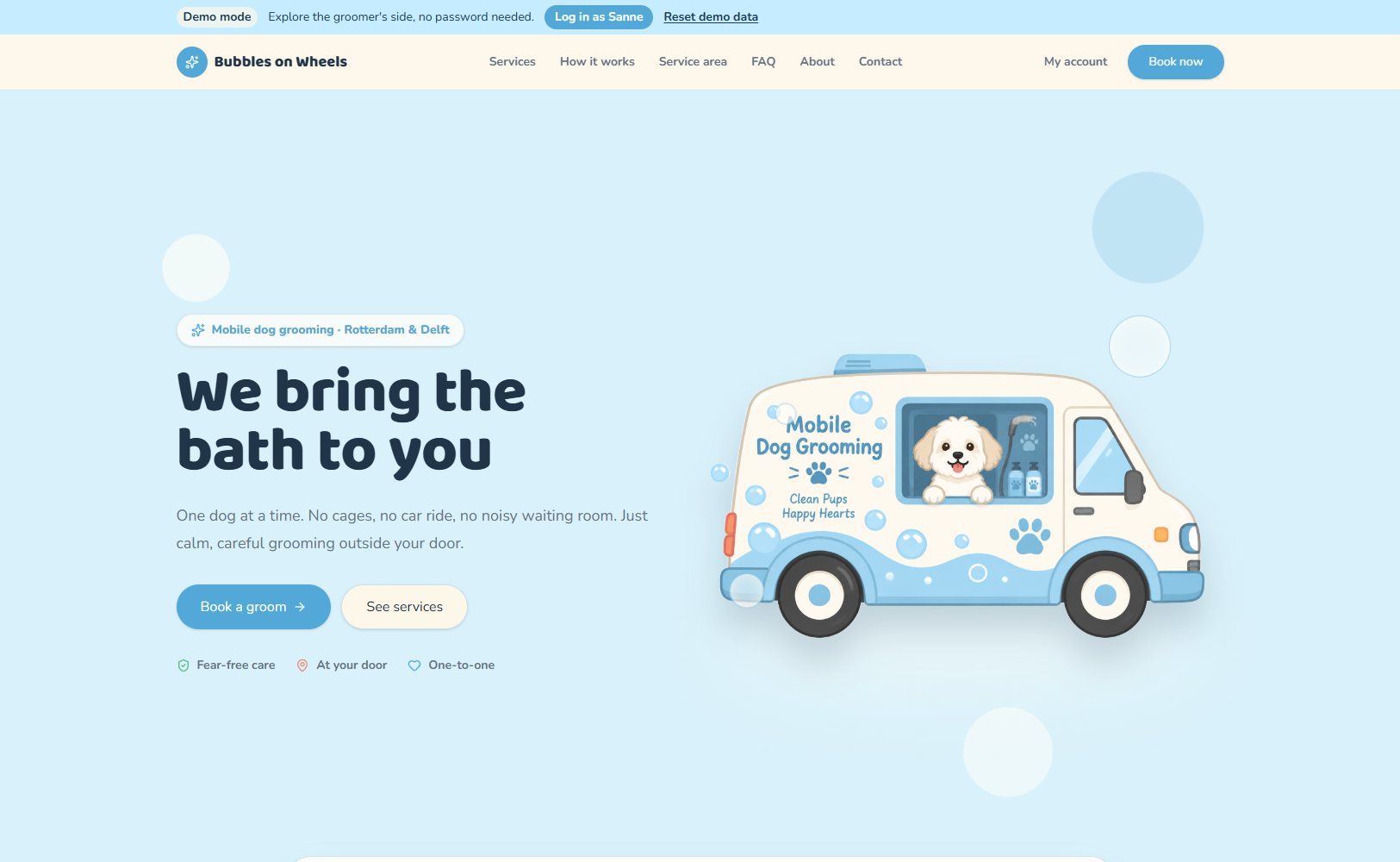
The homepage introduces a mobile dog grooming service in Rotterdam and Delft with the headline “We bring the bath to you”, an illustration of the van and buttons to book a groom or see the services.
02 Postcode check & services
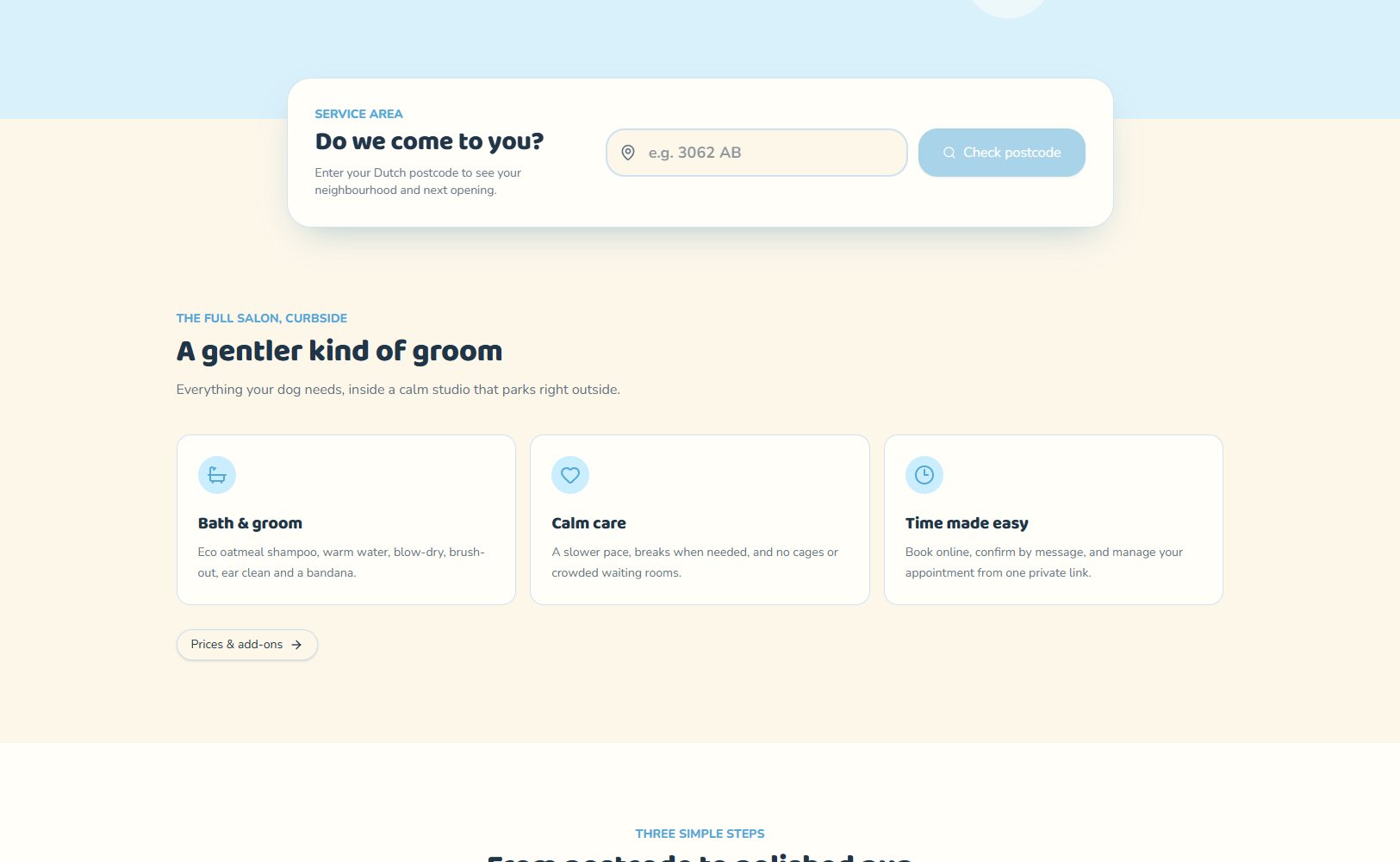
Visitors enter their Dutch postcode to see their neighbourhood and the next opening. Below it, three cards explain what makes the service different: bath & groom, calm care and easy booking.
03 How it works & reviews
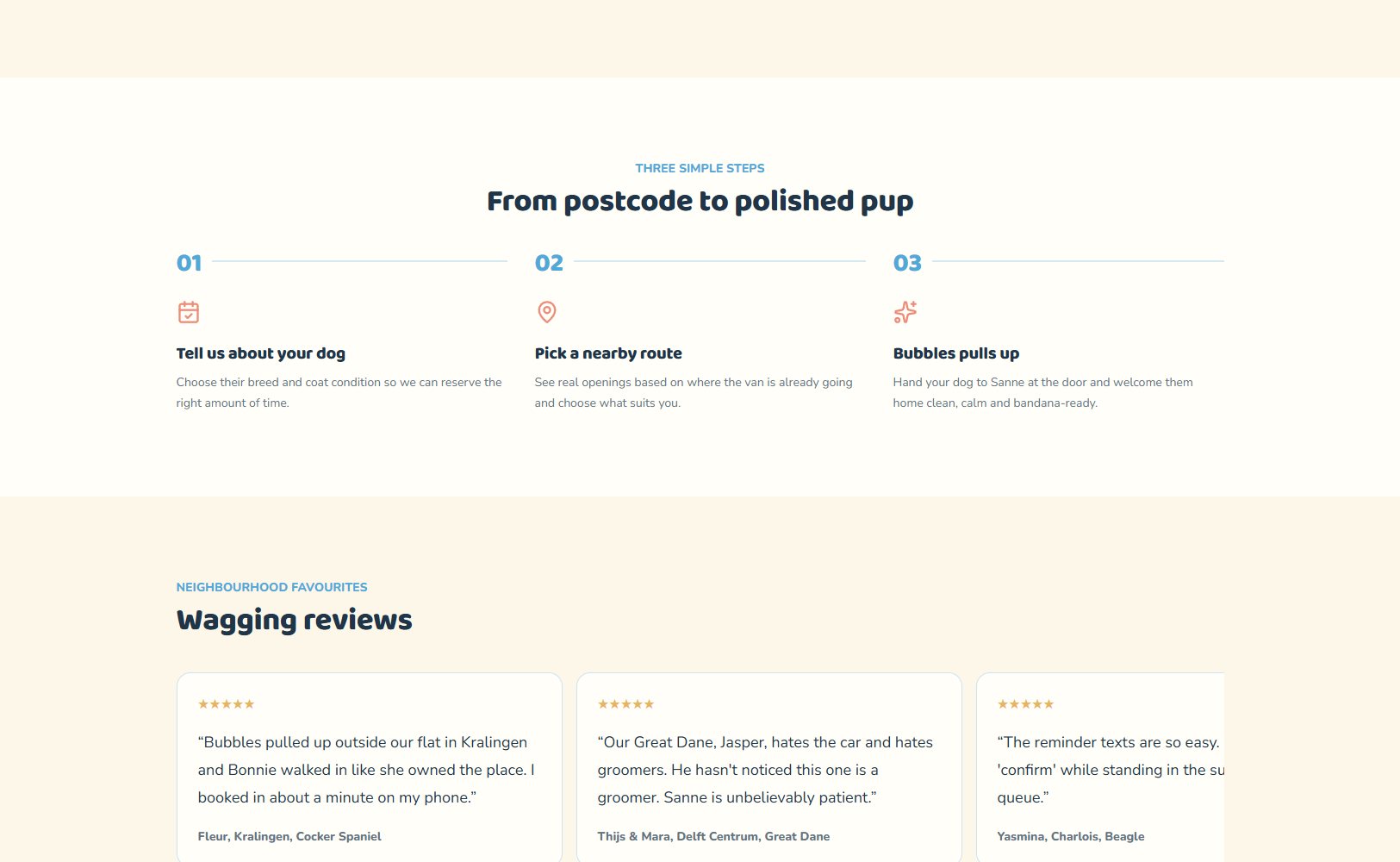
Three simple steps take customers from postcode to a clean dog: tell us about your dog, pick a nearby route and wait for the van to pull up. Customer reviews follow, each with the neighbourhood and breed.
04 Services & prices
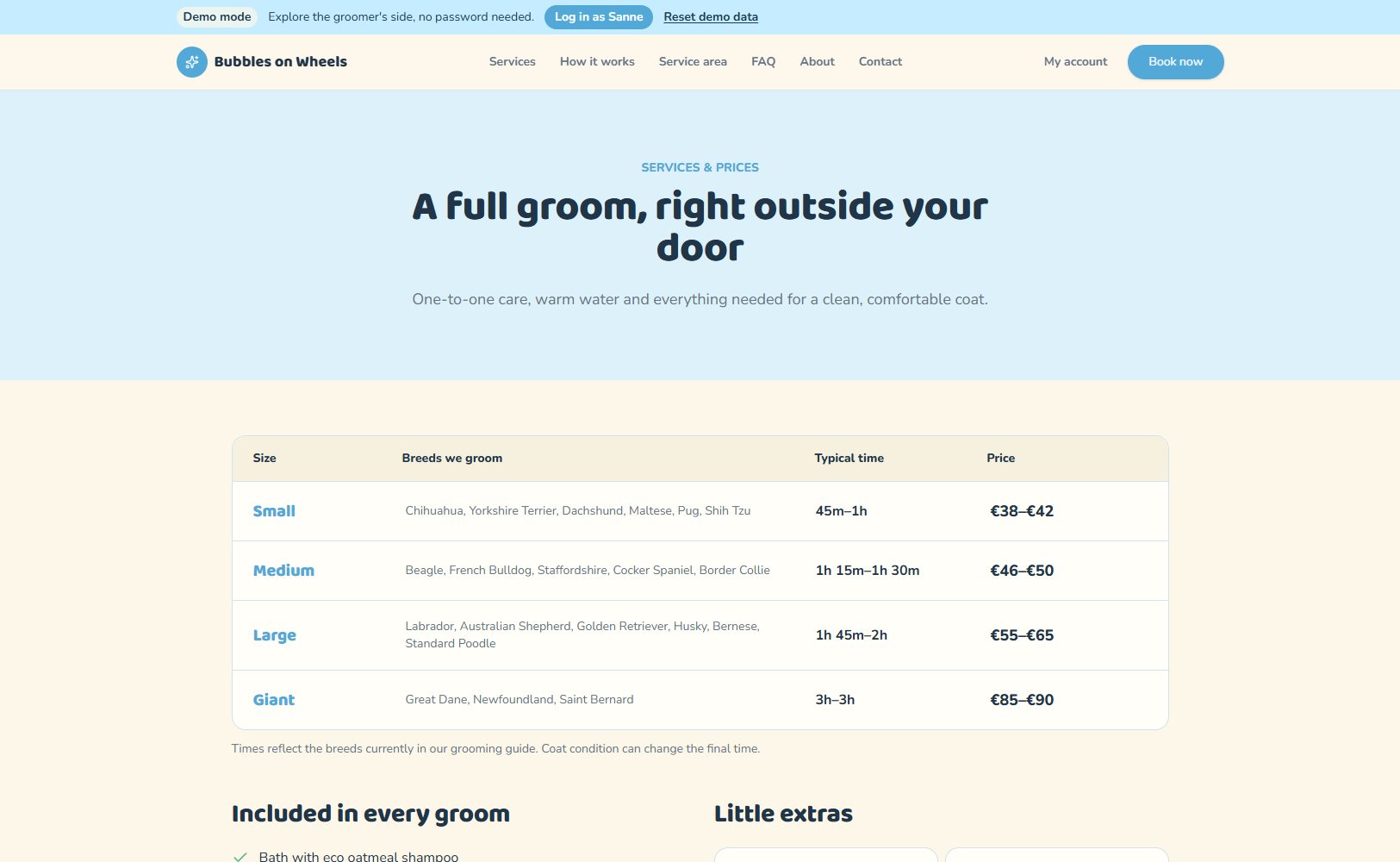
A clear price table by dog size (small, medium, large and giant) with typical breeds, grooming time and price.
The page also lists what every groom includes, optional extras such as a nail trim or de-shedding treatment, and how matted coats change the price.
05 Service area
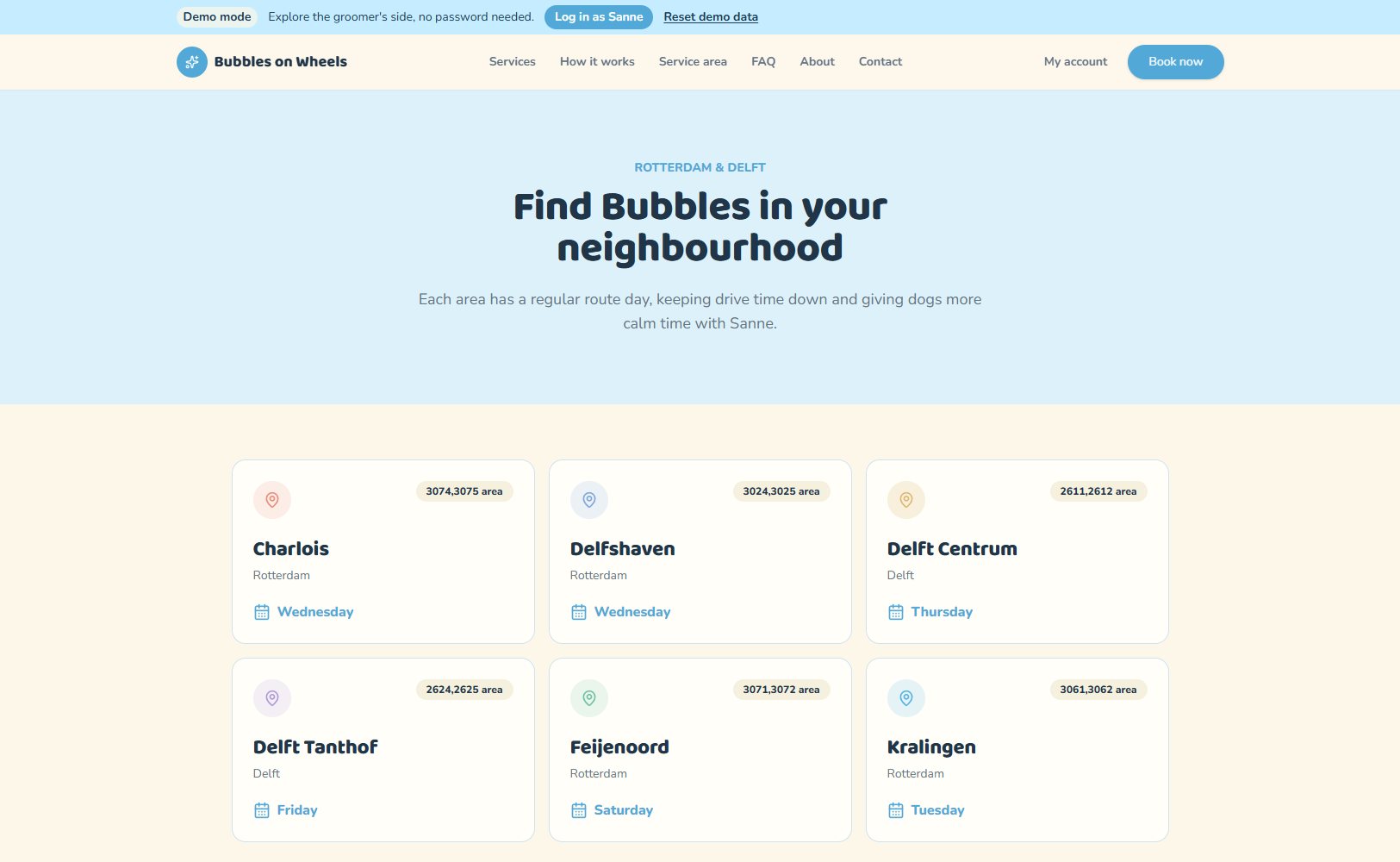
Every neighbourhood has a regular route day and its own postcode areas, which keeps drive time down. From here customers can check their postcode or see the available times.
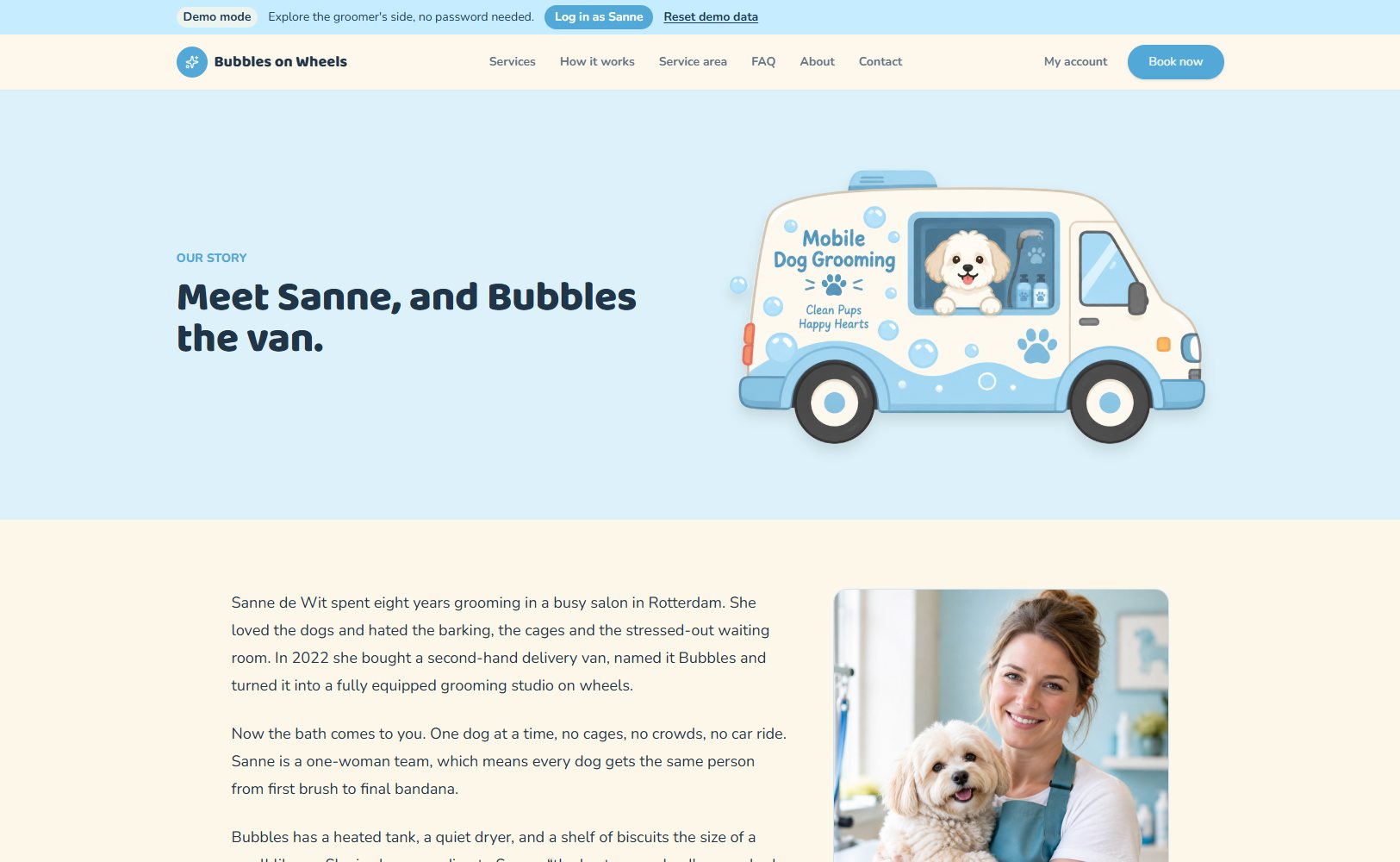
06 About
The story of Sanne, the groomer, and Bubbles, the van she turned into a grooming studio on wheels, along with the values behind the service.
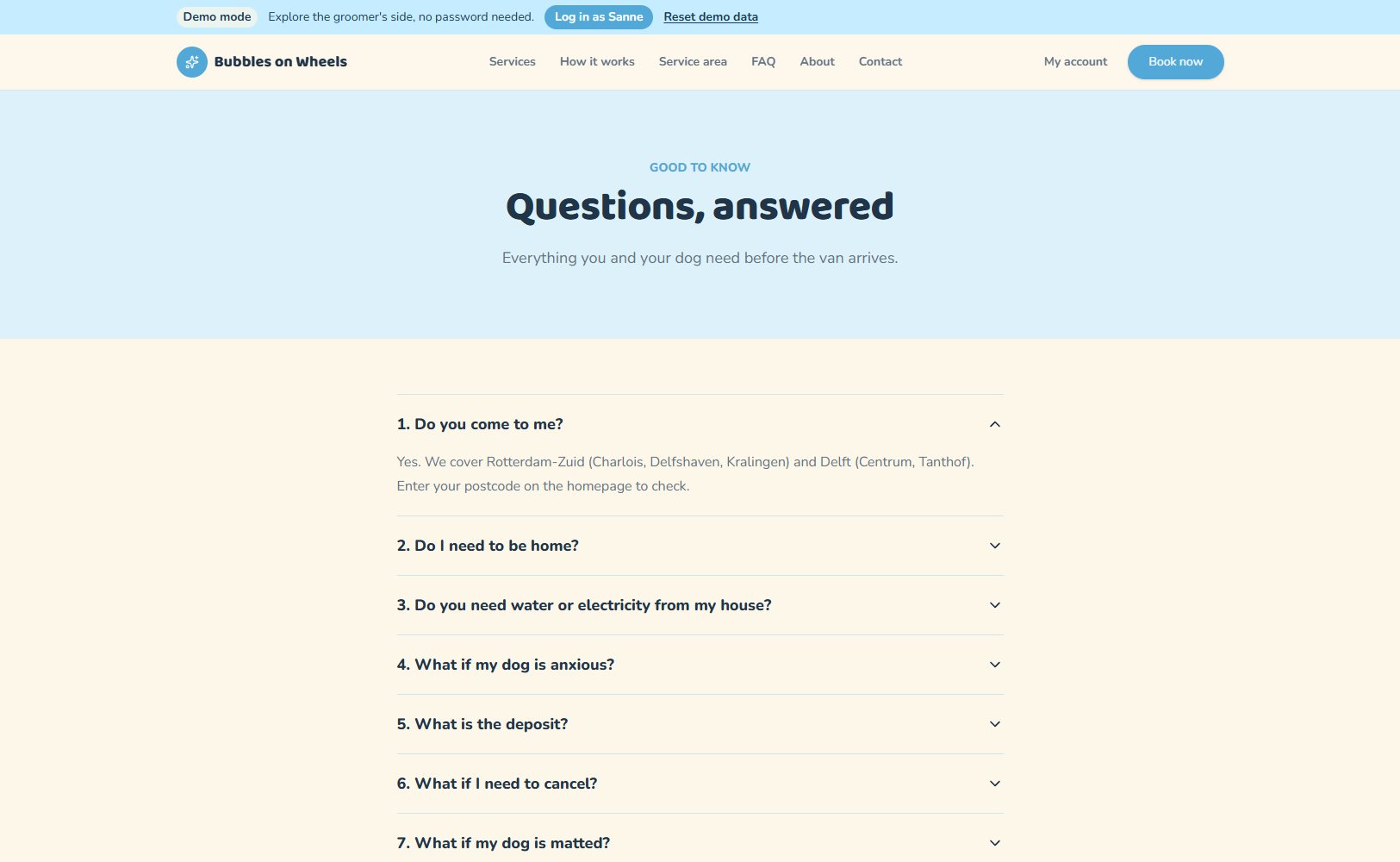
07 FAQ
An accordion with ten questions about the service area, being home, water and electricity, anxious dogs, the deposit, cancellations, matted coats, puppies and seniors, and payment.
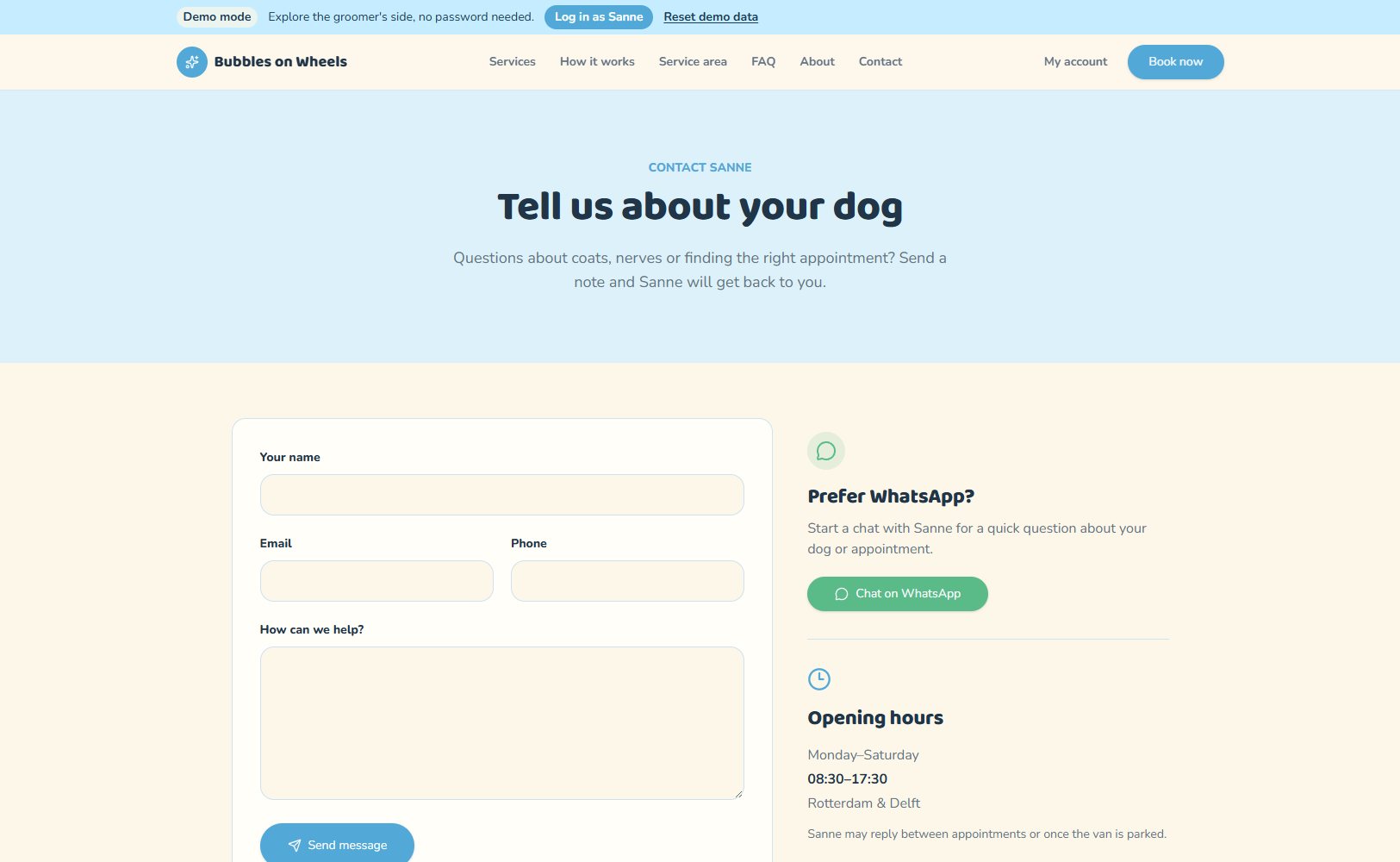
08 Contact
A contact form for questions about coats, nerves or appointments, next to a WhatsApp button and the opening hours.
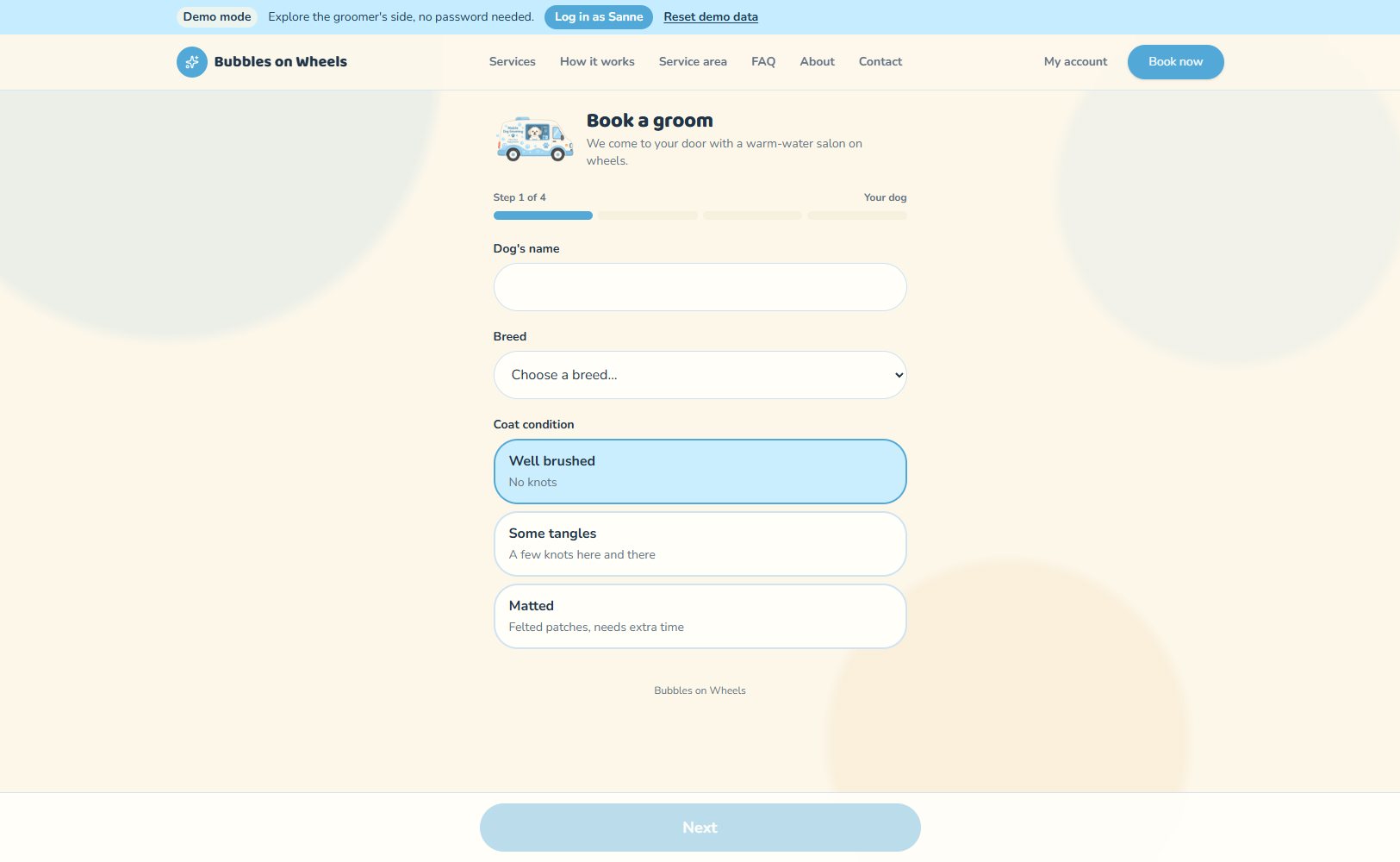
09 Booking
A guided booking flow in 4 steps that works without an account. It starts with the dog’s name, breed and coat condition, so the right amount of time is reserved for each groom.
10 Groomer · Dashboard
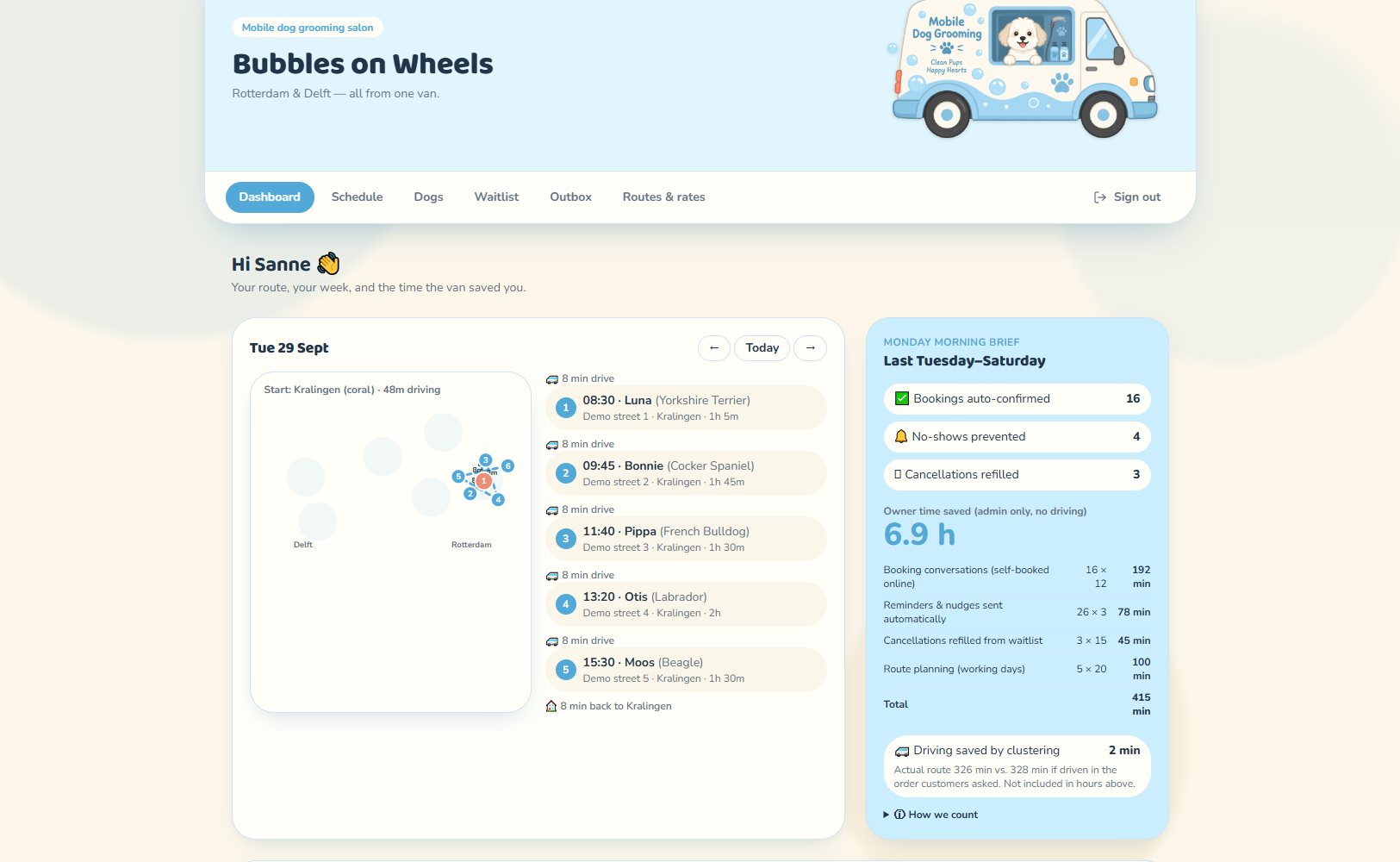
The groomer’s home screen shows the day’s route on a map with every stop, breed and drive time.
A weekly brief sums up auto-confirmed bookings, prevented no-shows, refilled cancellations and the admin time saved.
11 Groomer · Schedule
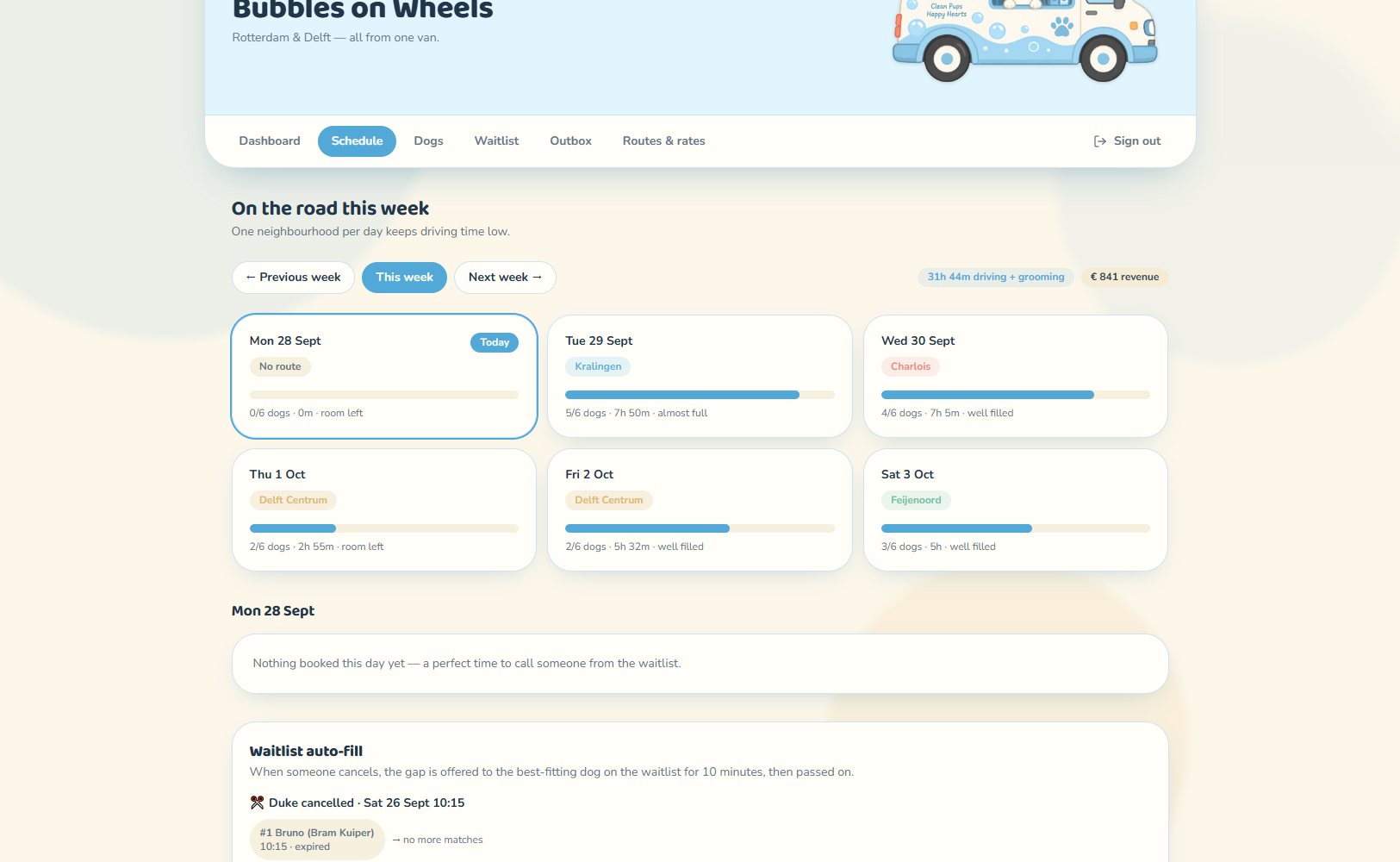
The week at a glance, with one neighbourhood per day, the number of dogs, working hours and revenue. Each day shows how full it is.
Waitlist auto-fill offers a cancelled slot to the best-fitting dog on the waitlist for 10 minutes, then passes it on.
12 Groomer · Dogs
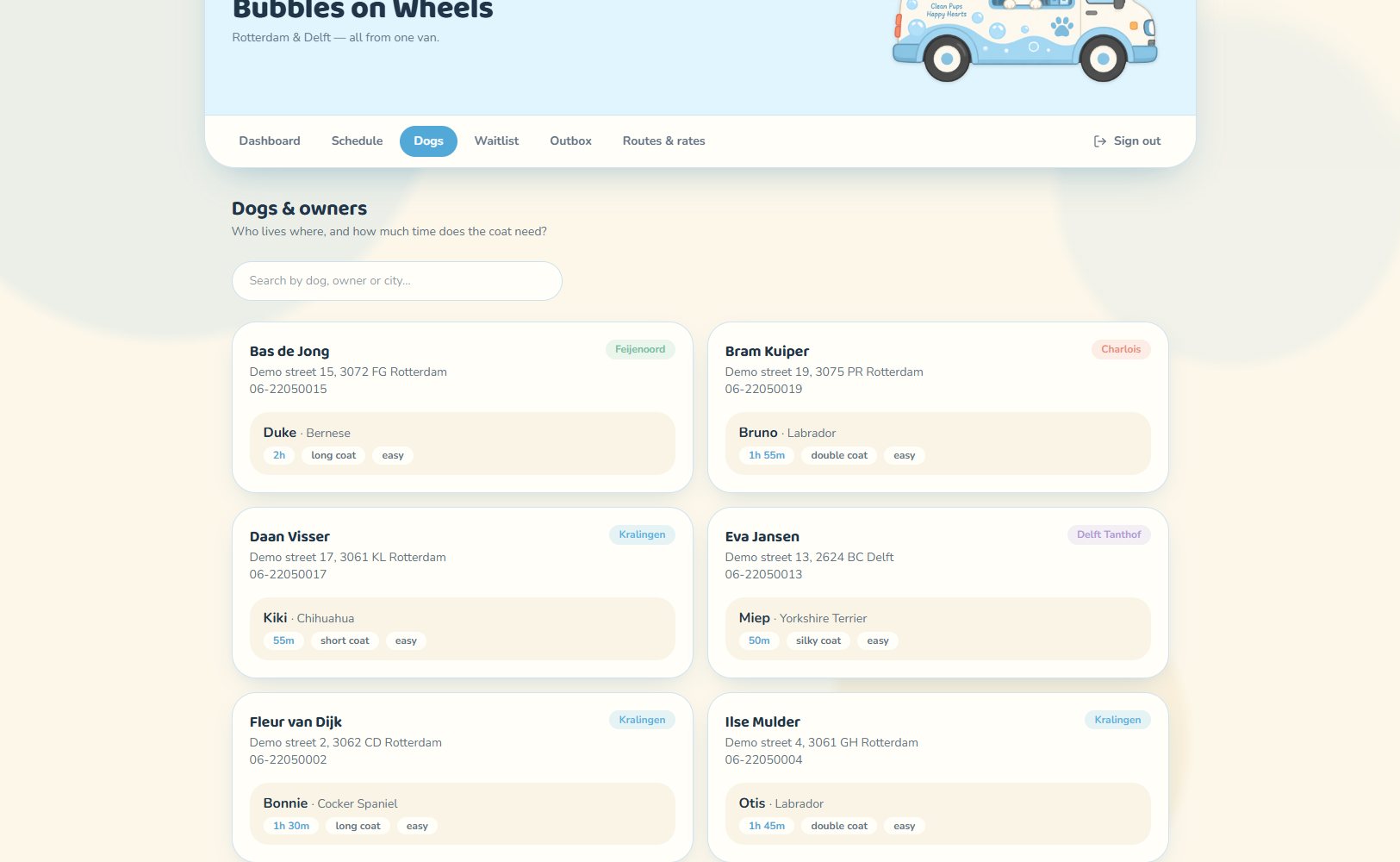
A searchable list of owners and their dogs, with address, phone, neighbourhood, breed, coat type and the grooming time each dog needs.
13 Groomer · Waitlist
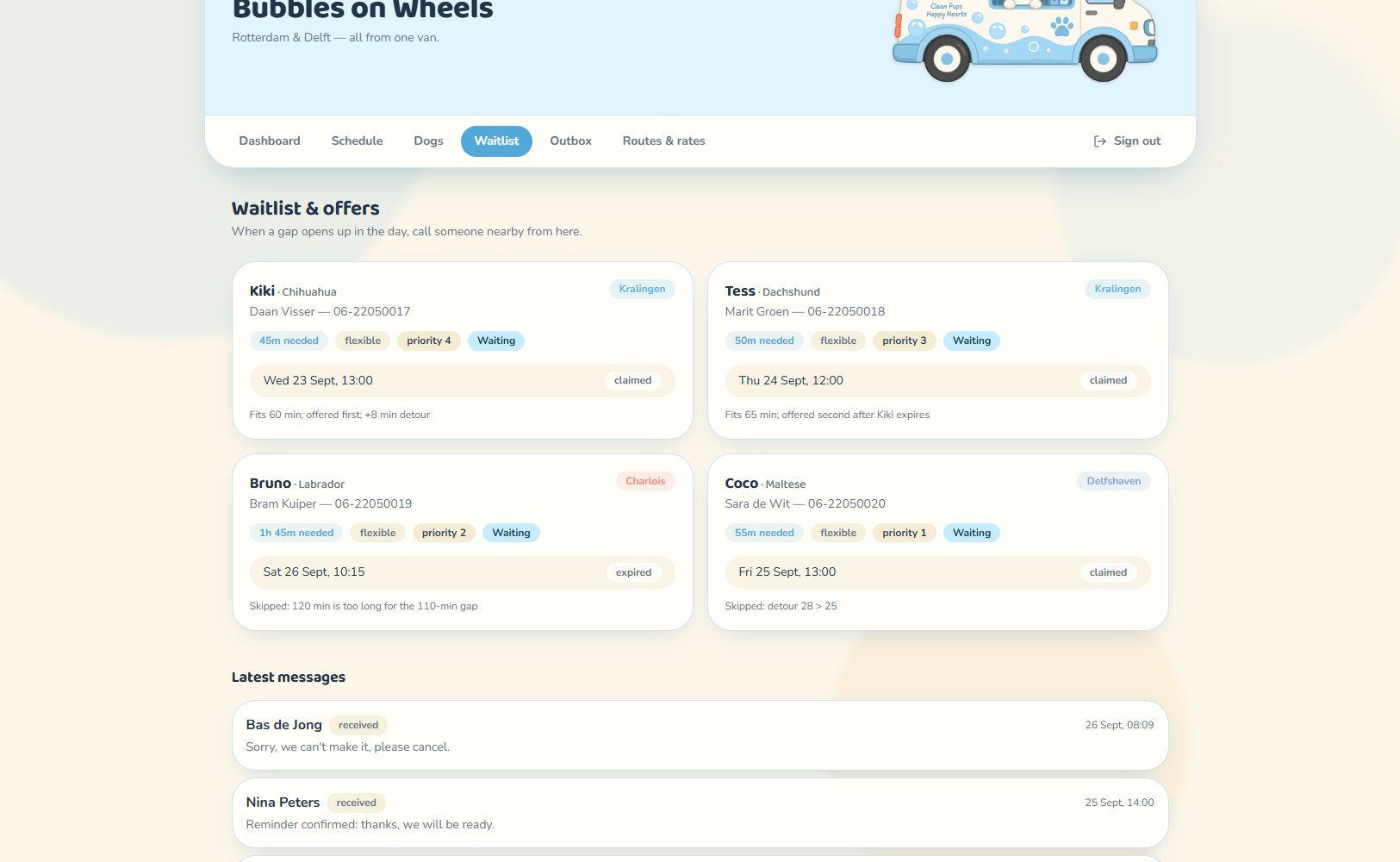
Dogs waiting for a slot, with their priority and the time they need. Each offer shows whether it was claimed or expired and why a dog was skipped, for example when the detour is too long. Latest customer messages appear below.
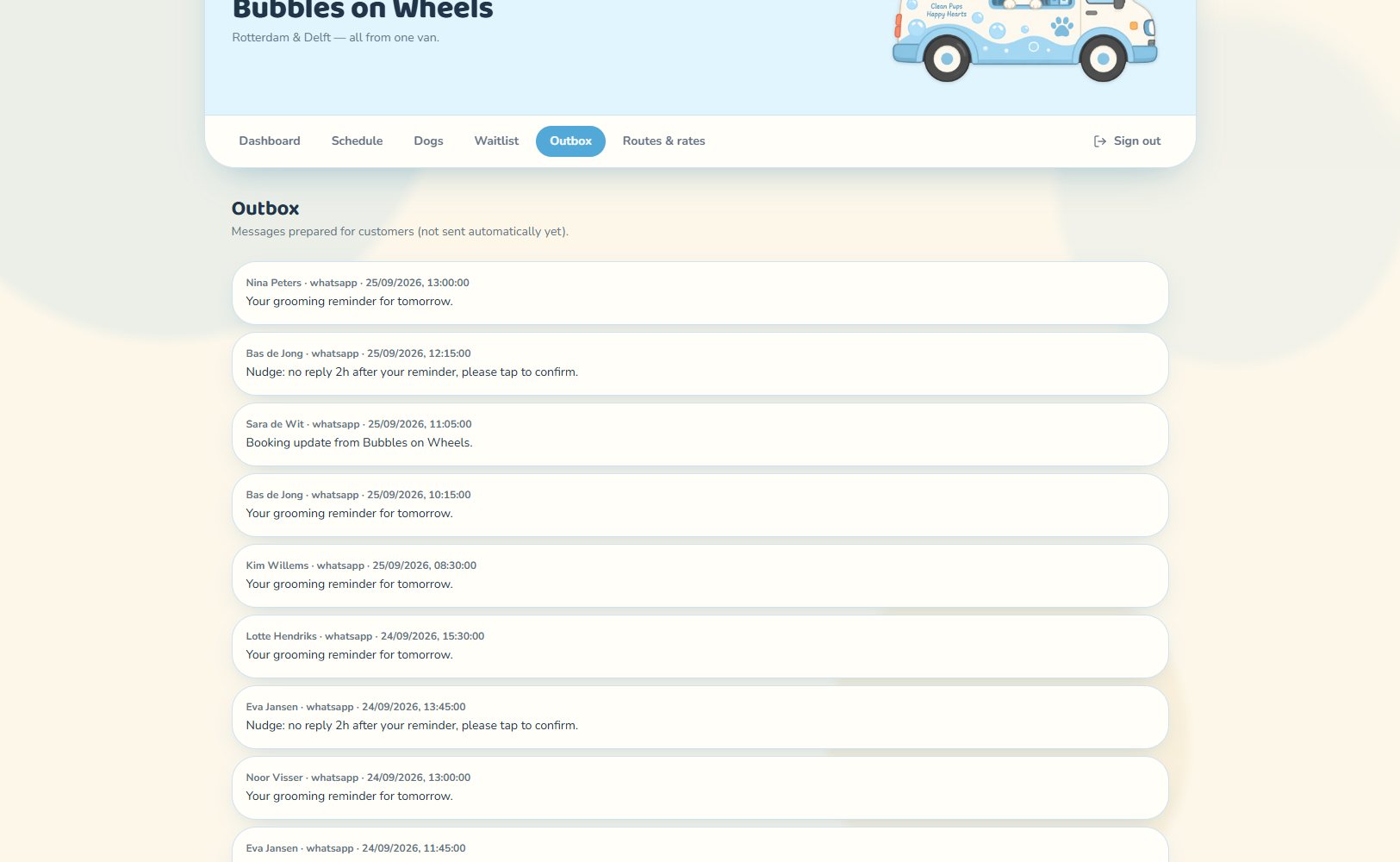
14 Groomer · Outbox
All messages prepared for customers, such as appointment reminders, nudges to confirm and booking updates, with the recipient, channel and time.
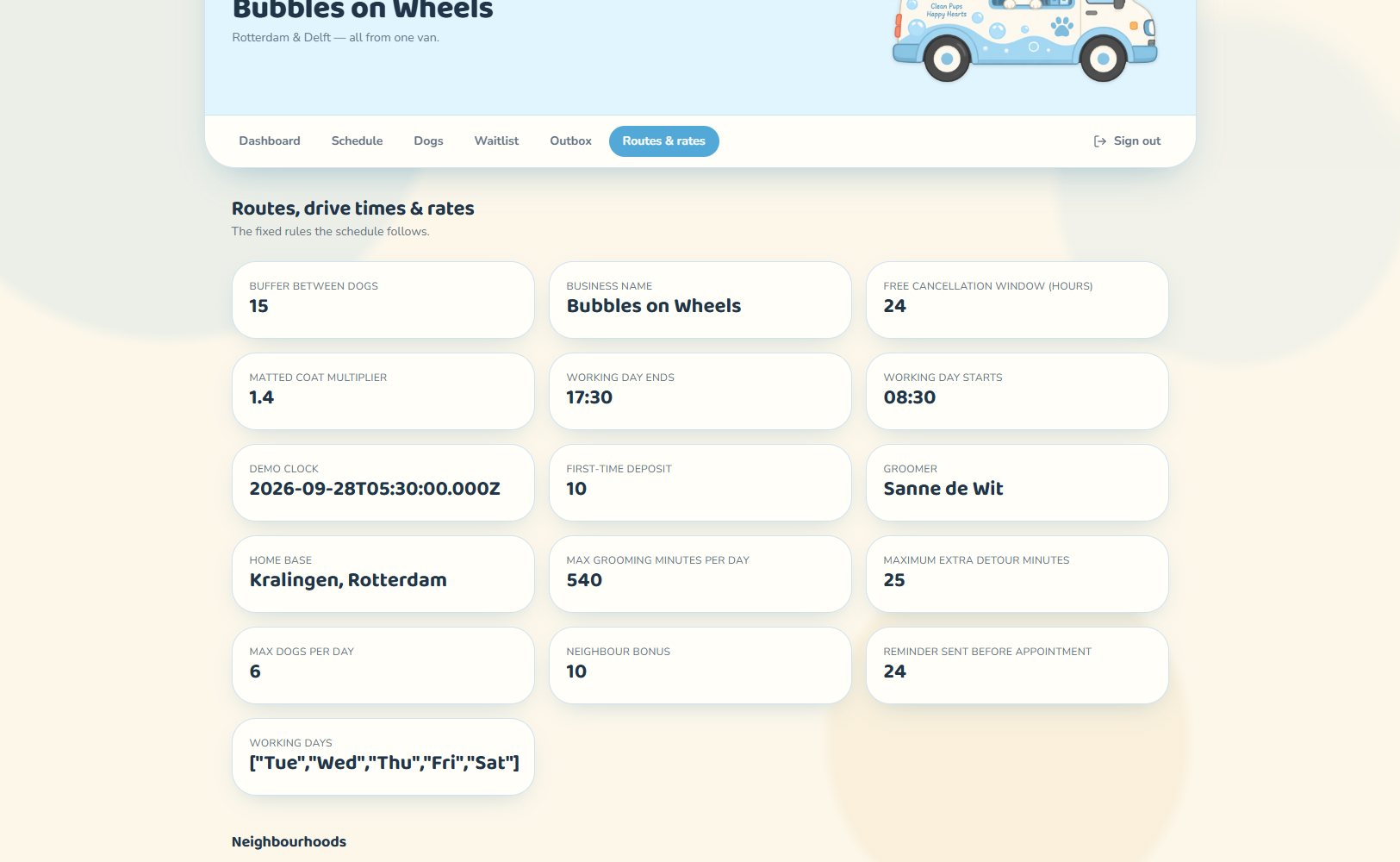
15 Groomer · Routes & rates
The fixed rules the schedule follows: working hours, maximum dogs per day, buffer between dogs, maximum detour, deposit, neighbour bonus and cancellation window.
It also holds the neighbourhoods, a table of drive times between them and the base grooming time for each breed.